


AI Clothes Changer
How To Create: Step-By-Step Guide
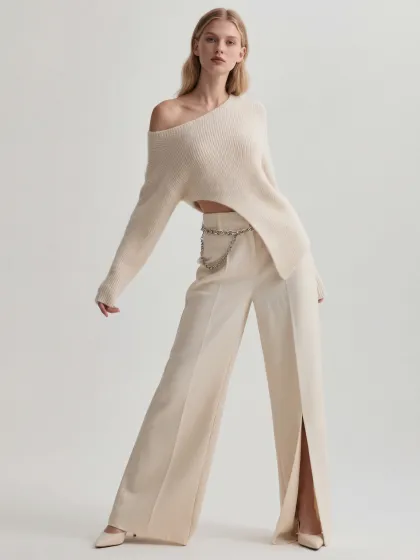
Use Style3D AI Clothes Changer to place selected clothing on a model and generate realistic outfit images for ecommerce, styling, campaigns, and social content.
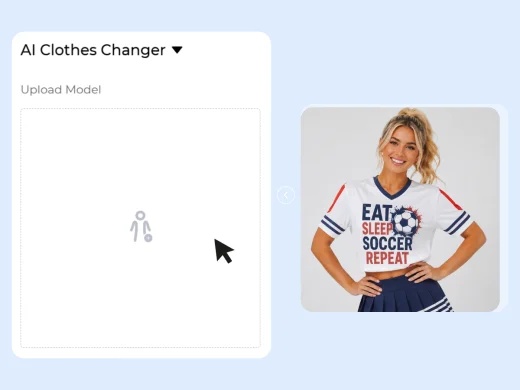
Upload a Model Image
Upload a person photo, model image, or fashion portrait as the base image.
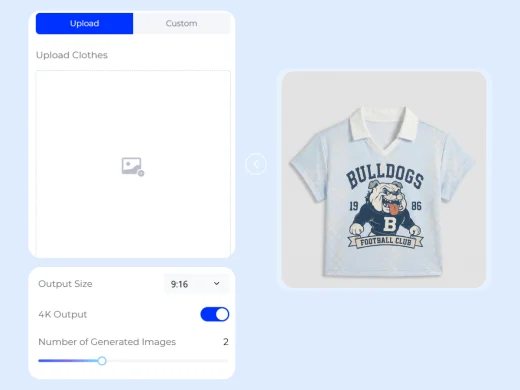
Upload or Describe the Clothes
Upload the garment image you want the model to wear, or describe the clothing with a text prompt.
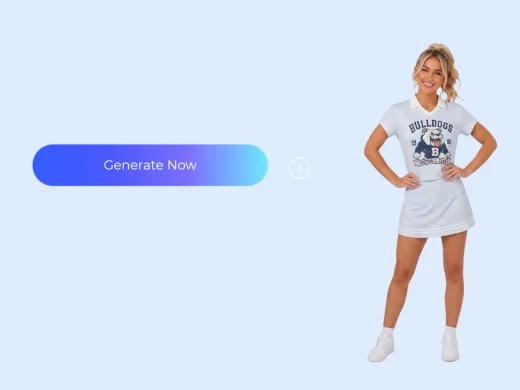
Generate the New Outfit Photo
Click Generate Now to create an AI outfit image showing the model wearing the selected clothes. Review the result, compare variations, and download the image for product pages, styling previews, campaign concepts, or social posts.
Use Cases: Who It's For
AI Clothes Changer helps ecommerce sellers, fashion brands, stylists, and creators create model-worn outfit visuals without arranging a new photoshoot.
For Ecommerce Sellers
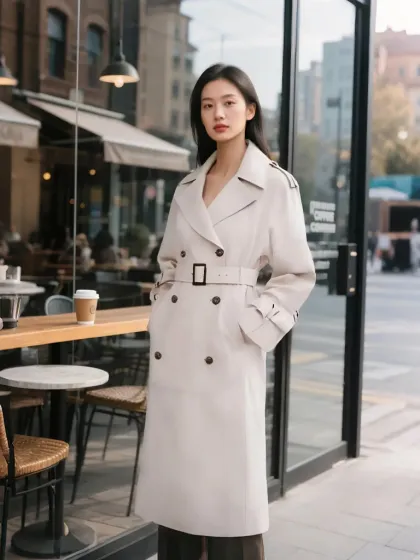
Show clothing on models for product listings, ads, and store visuals. Sellers can upload a garment image and quickly create model-worn product photos for Shopify, Amazon, TikTok Shop, Lazada, Shopee, and independent stores.
For Fashion Brands and Product Teams
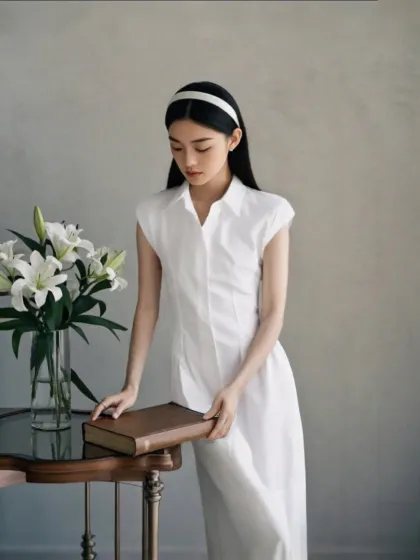
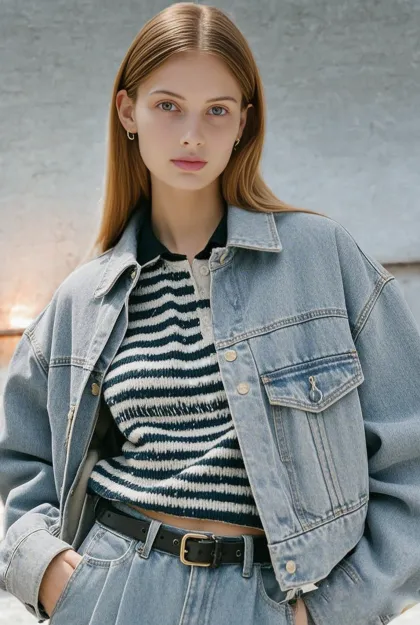
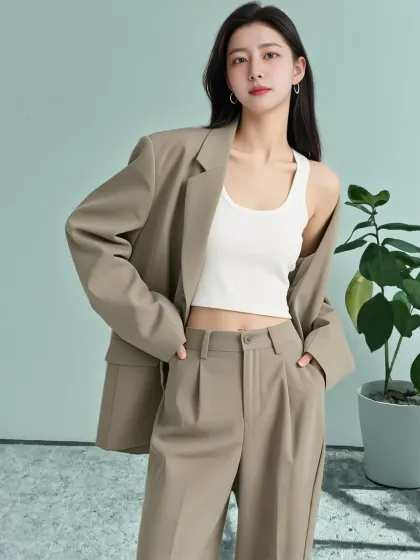
Preview how garments look on different models before planning shoots or campaigns. Brands can test outfit styling, model choices, and product presentation faster during launch planning and visual review.
For Stylists and Fashion Creators
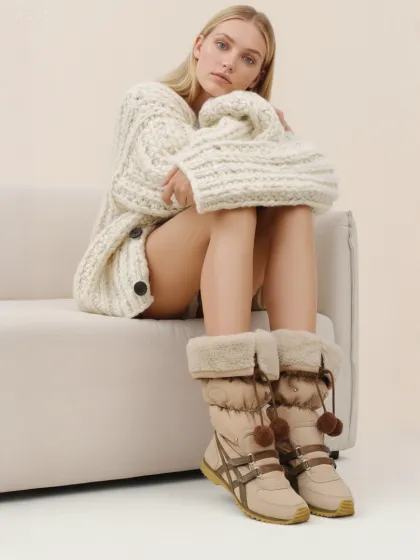
Create outfit previews, styling concepts, and social-ready fashion images from separate model and clothing inputs. This helps creators explore new looks without manual compositing or repeated shoots.
Social Proof & Reviews
Trusted by Global Fashion Designers, Sellers, and Creators
Share Your Feedback

"every time we wanted to show color or style variations, it somehow turned into a whole production situation. now it's literally swap outfit -> check result -> move on. my stress levels would like to personally thank this tool."
"This is super useful for styling tests. I can try different garments on the same model and quickly see which direction works for a campaign or social post."
"For a small store, this is exactly what we needed. We can make more model-worn visuals from limited product photos and use them for listings and ads."
Frequently Asked Questions
Explore More Tools
More AI-Powered Tools for Your Fashion Workflow
Virtual Garment Try-On
Put garments on models to create realistic try-on images.
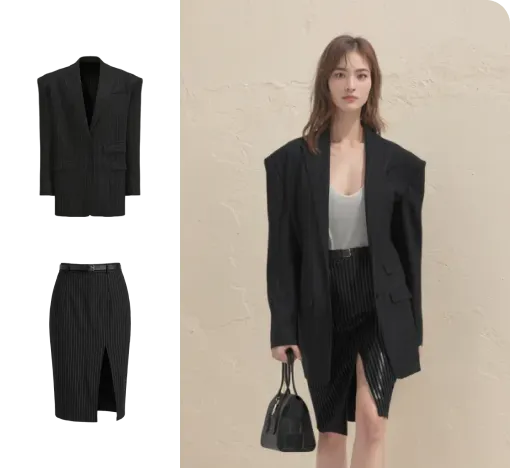
Outfit Try-On
Combine garments and accessories into a complete styled outfit image.
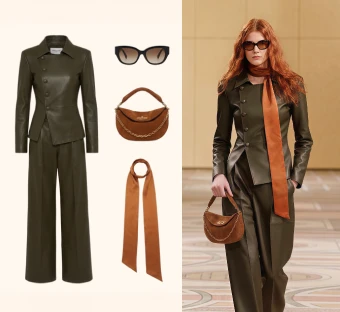
AI Model Generator
Generate realistic AI fashion model photos for ecommerce, campaigns, and social content.
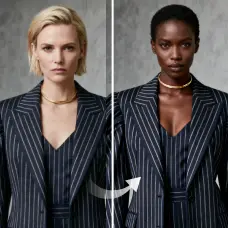
Change Model & BG
Change the model and scene to create varied campaign images.
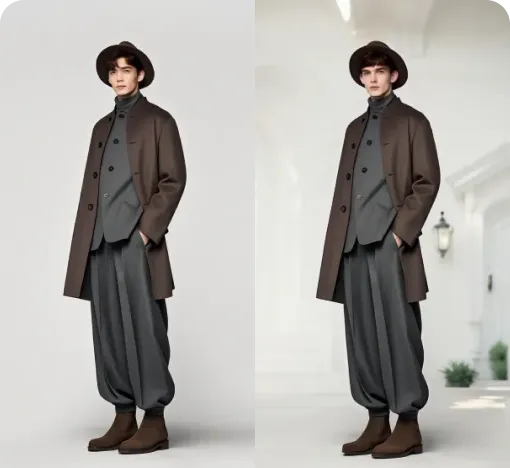
Change Pose
Adjust model poses to create new looks from the same outfit.
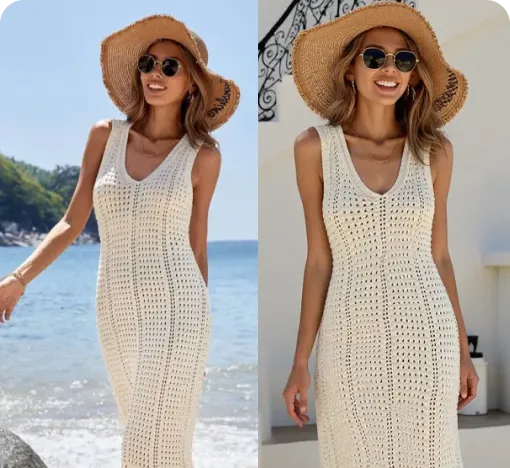
Model Variations
Generate a set of related campaign images from one hero image.
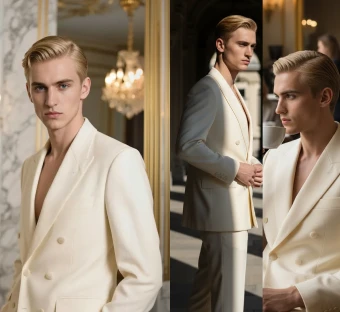
Generate Views
Adjust the model's angle and generate multiple views instantly.
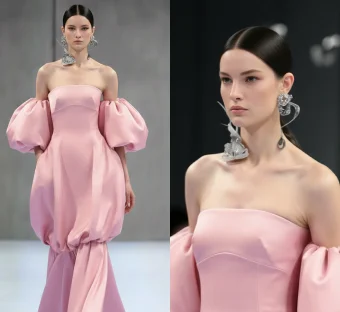
Garment Detail Shots
Create close-up detail images that highlight fabric, trim, and design.
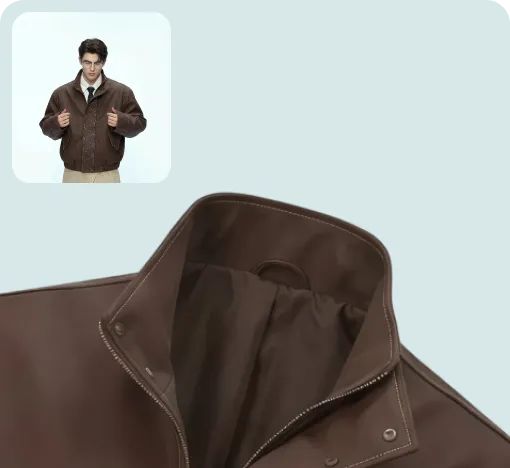
Text To Design
Turn a written idea into quick apparel concept images.
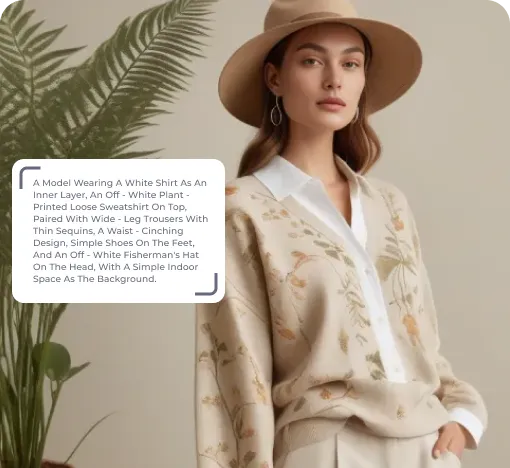
Image To Design
Create new style options from an existing garment image.
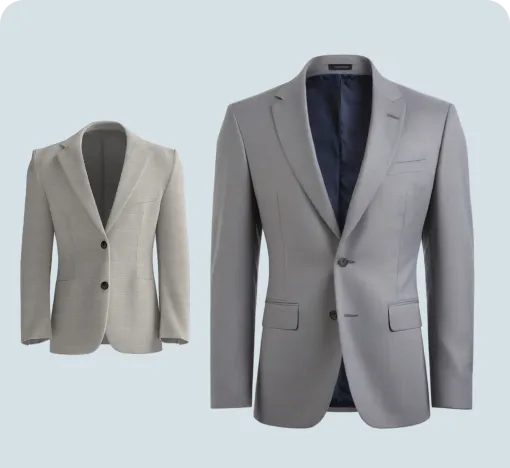
Image To Video
Turn static fashion images into short product display videos.
Reference To Video
Create smoother model videos with more stable motion and stronger details.