


AI Model Generator
How To Create: Step-By-Step Guide
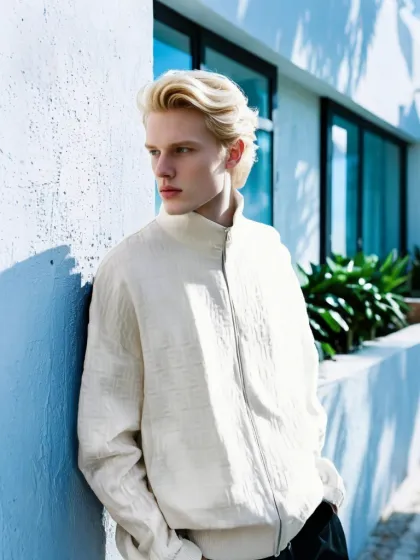
Use Style3D AI Model Generator to create realistic fashion model photos from uploaded images, model library options, or text prompts.
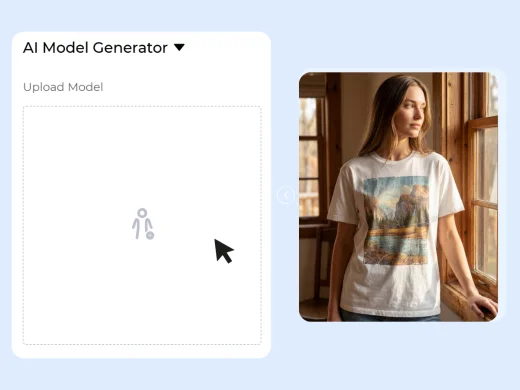
Upload, Choose, or Describe a Model
Start by uploading a model photo, choosing a model from the Style3D AI model library, or writing a prompt to describe the model appearance you want to generate.
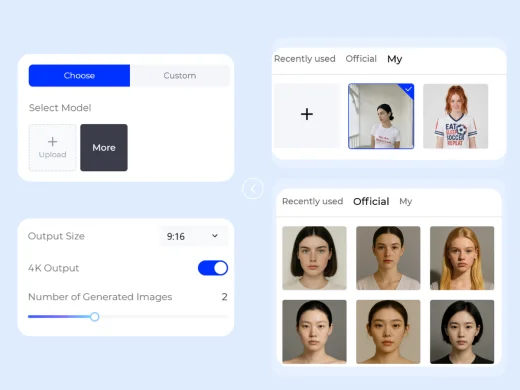
Customize the Model with Prompts
Use text prompts to describe model features such as age range, hairstyle, body type, expression, styling mood, pose direction, and visual style. If you choose a library model, you can also use prompts to modify the model look.
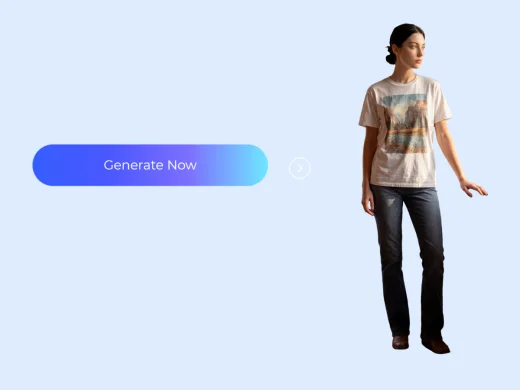
Generate Your AI Model Photo
Click Generate Now to create a realistic AI model photo. Review the results, compare different model directions, and download the image for ecommerce, lookbooks, campaigns, or social content.
Use Cases: Who It's For
AI Model Generator helps fashion teams, ecommerce sellers, and creators generate model photos for product visuals, campaign testing, and content production.
For Ecommerce Sellers
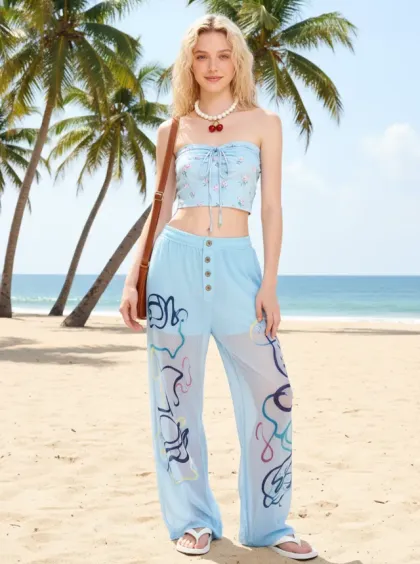
Create model images for product listings, store banners, ads, and marketplace content. Sellers can generate models that fit their target audience and product style without arranging a physical model shoot.
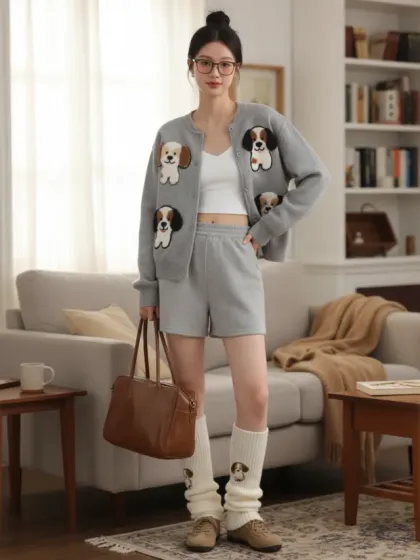
For Fashion Brands and Marketing Teams
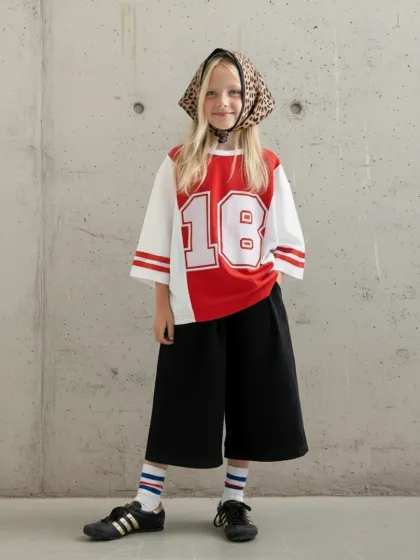
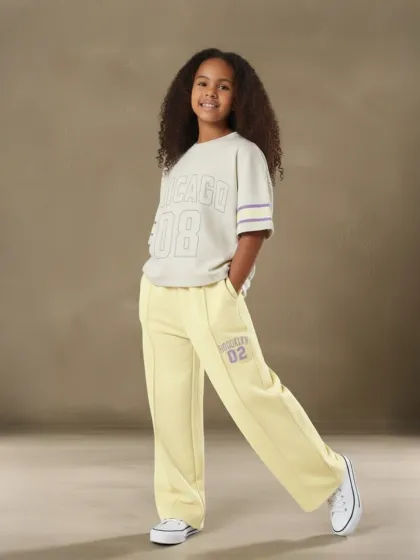
Generate model concepts for campaigns, lookbooks, line reviews, and creative testing. Teams can explore different model looks, styling moods, and visual directions before final production.
For Content Creators and Small Studios
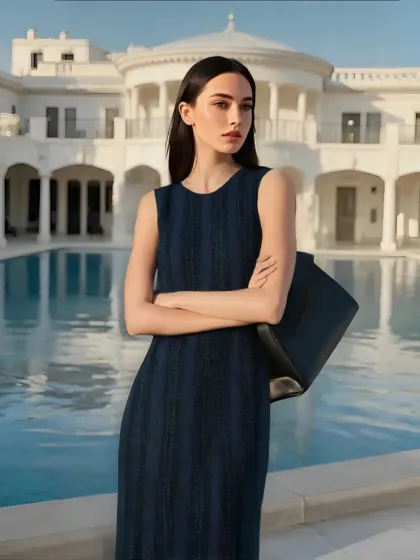
Create fashion model visuals for social posts, moodboards, pitch decks, blogs, and campaign drafts. Solo creators and small teams can produce more visual options with less production effort.
Social Proof & Reviews
Trusted by Global Fashion Designers, Sellers, and Creators
Share Your Feedback

"i fully expected this to give me those super obvious AI people at first but then i tested a few model vibes and suddenly had a whole week of product content ready to go. for small brands? yeah... this is kinda dangerous lol."
"Being able to describe a model with prompts is a huge time saver. We can generate different looks for different product lines without waiting on production."
"I use it for campaign drafts and social visuals. The model images are useful when I need a quick direction before creating final content."
Frequently Asked Questions
Explore More Tools
More AI-Powered Tools for Your Fashion Workflow
AI Clothes Changer
Change outfits in photos with AI while keeping the model, pose, and style natural.
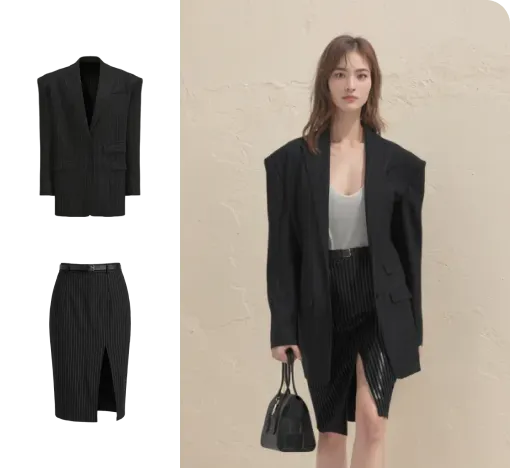
Change Model & BG
Change the model and scene to create varied campaign images.
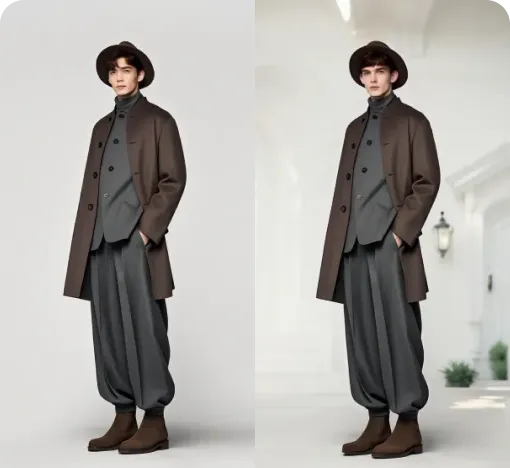
Model Variations
Generate a set of related campaign images from one hero image.
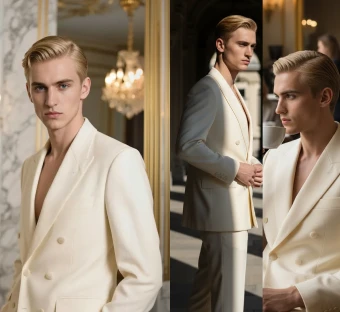
Virtual Garment Try-On
Put garments on models to create realistic try-on images.
Outfit Try-On
Combine garments and accessories into a complete styled outfit image.
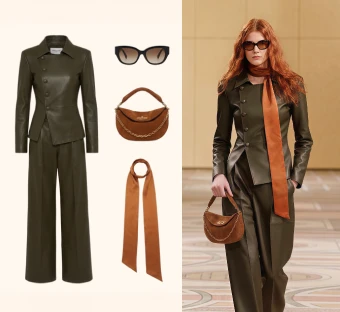
Change Pose
Adjust model poses to create new looks from the same outfit.
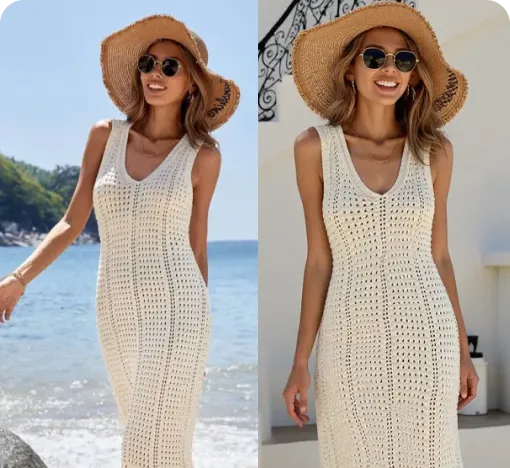
Generate Views
Adjust the model's angle and generate multiple views instantly.
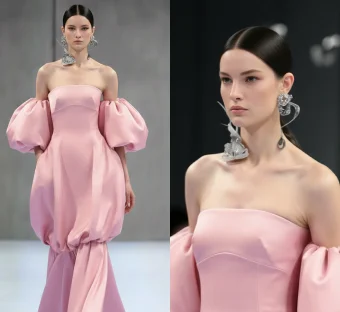
Garment Detail Shots
Create close-up detail images that highlight fabric, trim, and design.
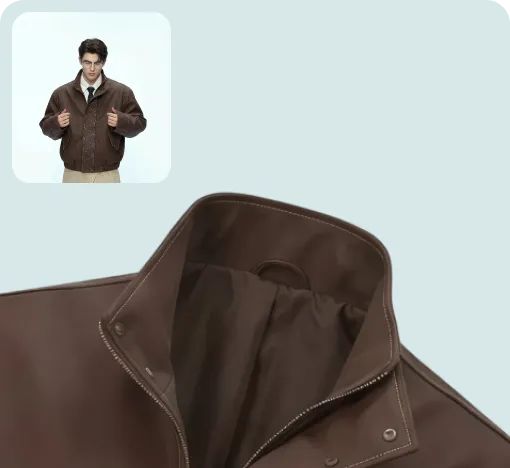
Text To Design
Turn a written idea into quick apparel concept images.
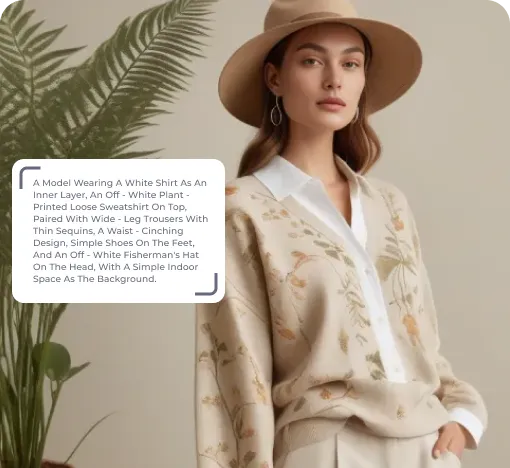
Image To Design
Create new style options from an existing garment image.
Image To Video
Turn static fashion images into short product display videos.
Reference To Video
Create smoother model videos with more stable motion and stronger details.