AI Outfit Generator

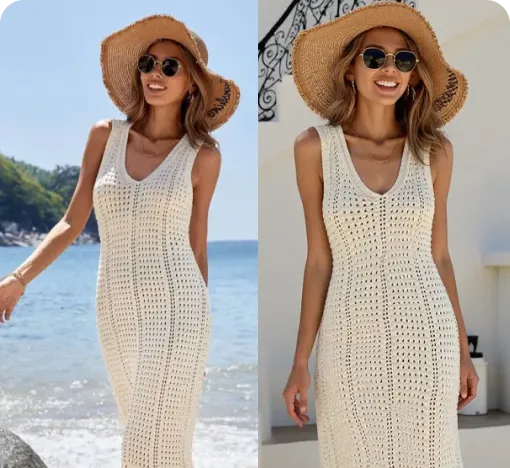
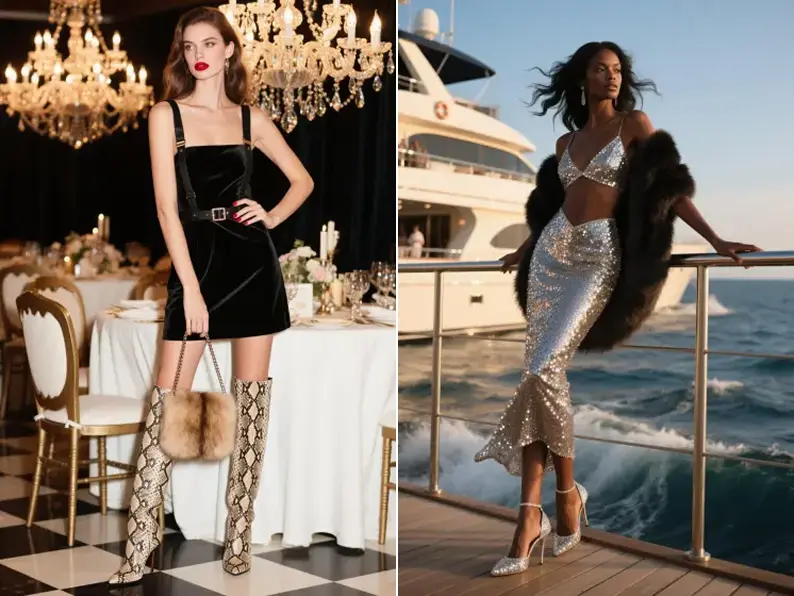
Turn fashion ideas, reference images, or sketches into AI-generated outfit concepts. Use Style3D AI to create clothing styles, silhouettes, outfit variations, and model-ready fashion visuals for design, ecommerce, campaigns, and content.

How to Create: Step-by-Step Guide

Create AI outfit ideas from different starting points. Begin with a prompt, reference image, or sketch, then generate outfit visuals and style variations for your fashion workflow.

Start from Text, Image, or Sketch
Step 1

Start from Text, Image, or Sketch

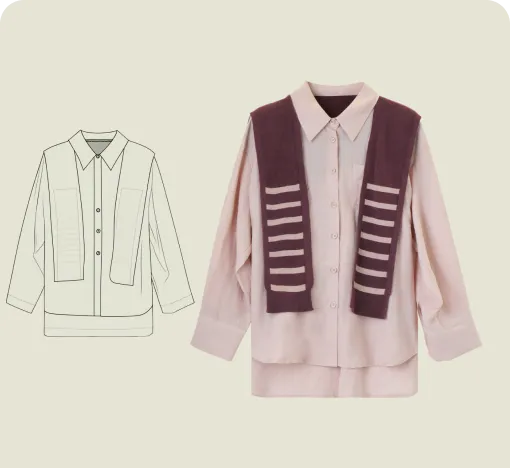
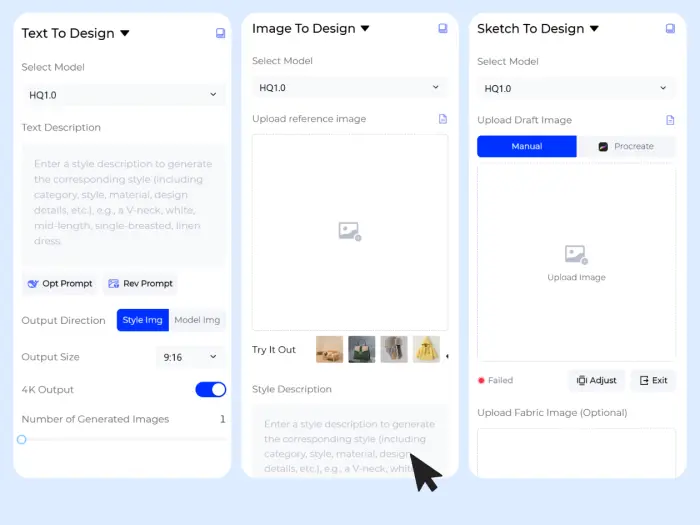
Choose how you want to begin. Write a fashion prompt to generate an outfit from scratch, upload a reference image to explore similar or transformed clothing ideas, or import a sketch to turn a rough concept into a polished outfit visual.
Choose Your Fashion Direction
Step 2

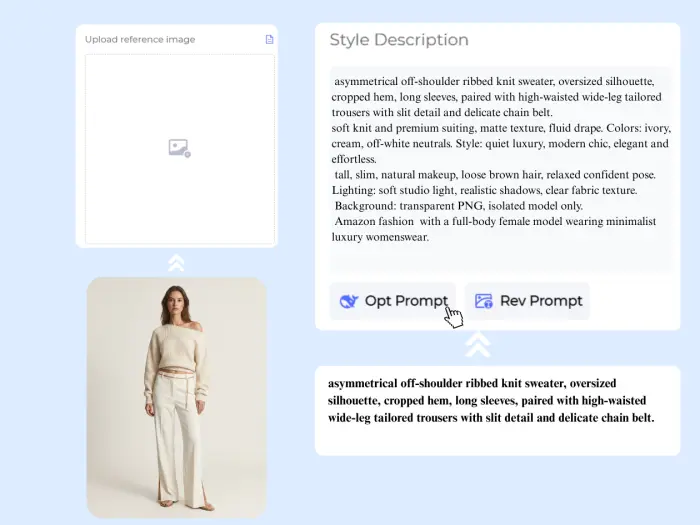
Choose Your Fashion Direction

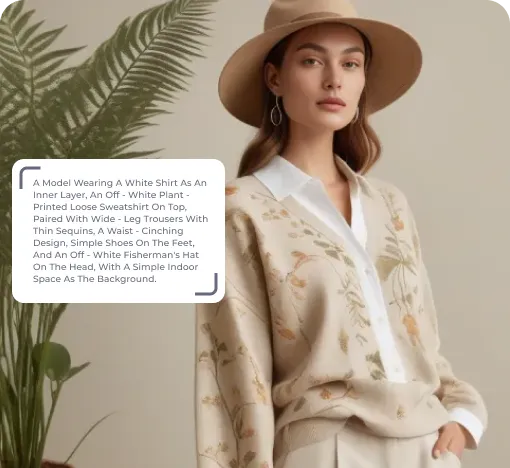
Guide the AI with details such as garment category, silhouette, fabric, color, season, style mood, target customer, model direction, or output size. You can create streetwear looks, luxury outfits, casual sets, collection concepts, ecommerce previews, or campaign-ready fashion visuals.
Generate Outfit Ideas and Variations
Step 3

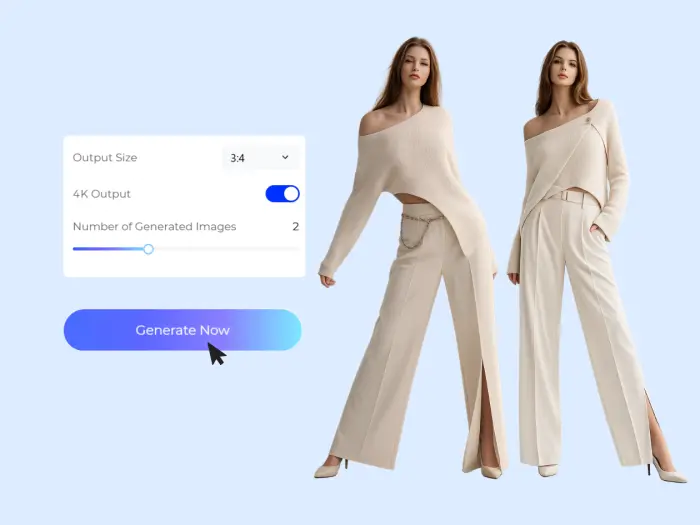
Generate Outfit Ideas and Variations

Click Generate Now to create AI outfit concepts. Review the results, compare silhouettes and styling directions, then download the versions that work best for design boards, product planning, online stores, social content, or campaign testing.
Why Use Our AI Outfit Generator

Style3D AI helps fashion teams move from loose ideas to visual outfit concepts faster, with workflows built for apparel design, ecommerce content, and fashion storytelling.

Start from Any Creative Input

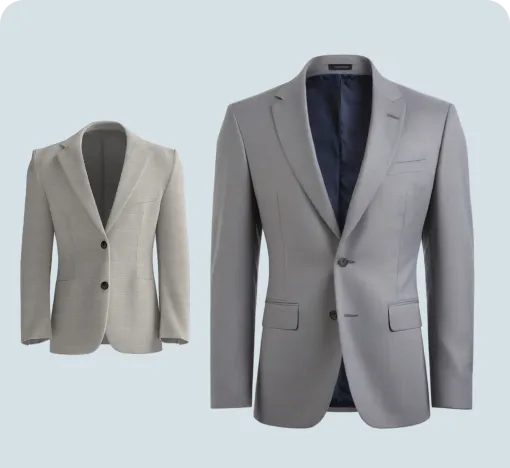
Use a text prompt, product photo, reference image, or fashion sketch as your starting point. Whether your idea is fully written, roughly drawn, or saved as an inspiration image, Style3D AI gives you a clear path to generate outfit visuals.

Start from Text
Start from Any Creative Input

Explore More Outfit Directions Faster

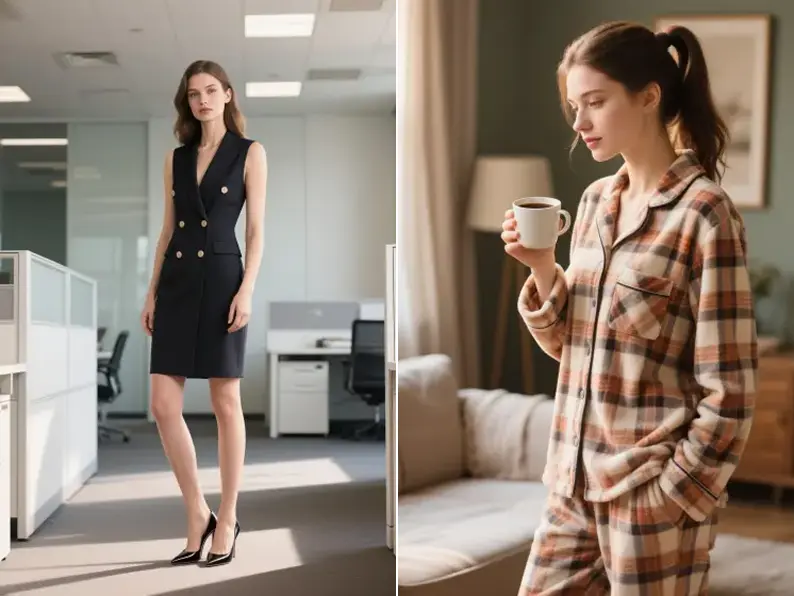
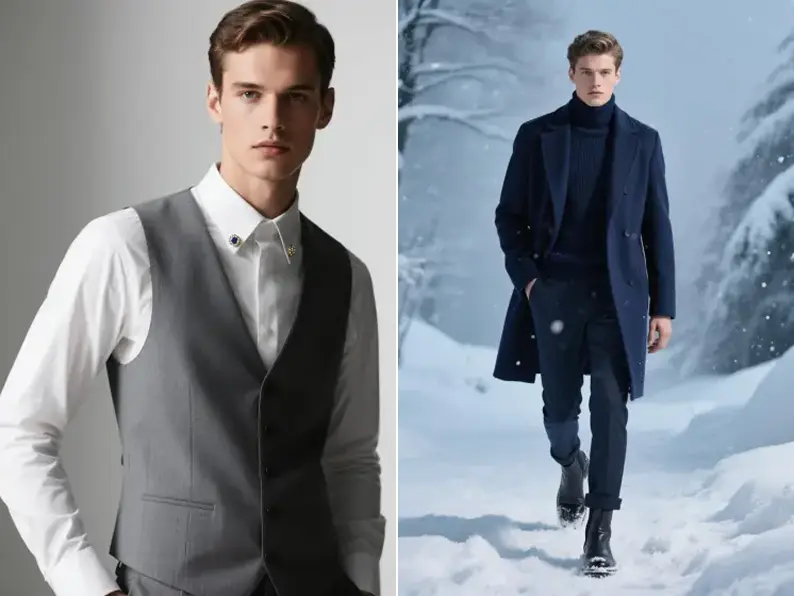
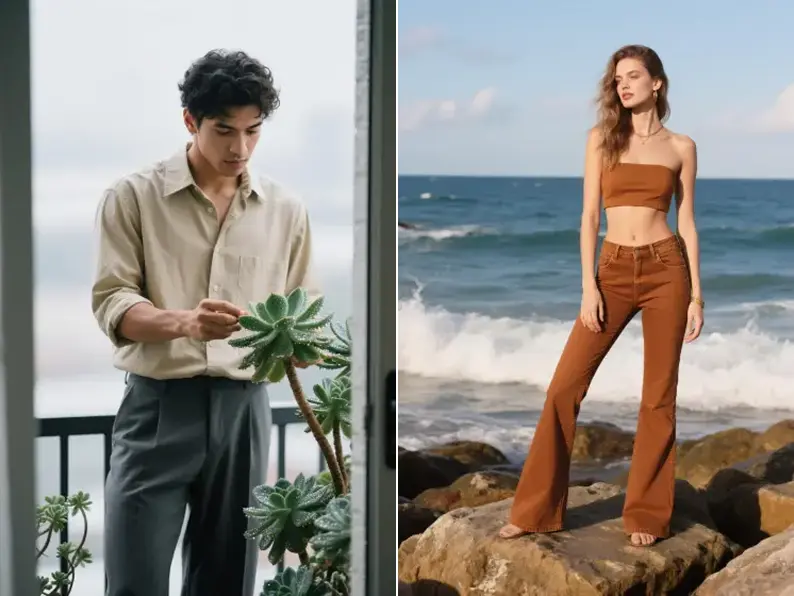
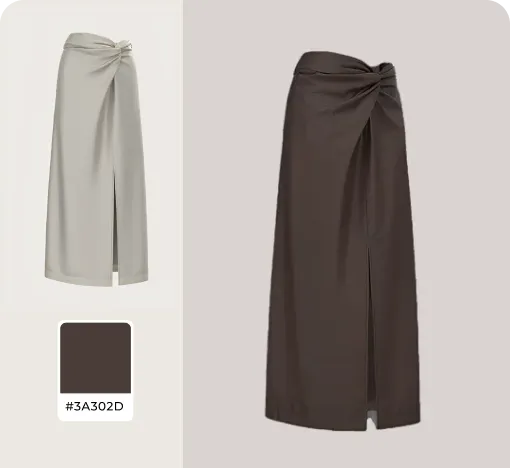
Generate multiple clothing concepts, silhouettes, colors, styling moods, and outfit variations without rebuilding every idea manually. Designers and creative teams can quickly compare different directions before choosing what to develop further.

Generate Design Variations
Explore More Outfit Directions Faster

Create Fashion-First Visuals

Unlike general image generators, Style3D AI is designed around apparel workflows. It helps keep garment shape, styling, product presentation, and fashion use cases in focus, making the output more useful for design review, merchandising, and content planning.

Upload a Reference Image
Create Fashion-First Visuals

Turn Outfit Ideas into Content and Commerce Assets

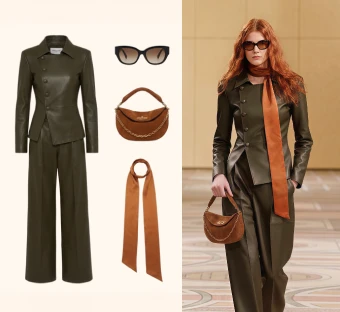
Use generated outfit concepts for collection planning, ecommerce previews, social posts, lookbooks, ad concepts, trend testing, and campaign mood boards. Teams can move from idea to visual direction before arranging samples or photoshoots.

Try Outfit Try-On
Turn Outfit Ideas into Content and Commerce Assets

Social Proof & Reviews

Trusted by Global Fashion Designers, Sellers, and Creators

Share Your Feedback
4.91328 reviews
Auden V.

Auden V.

Trend Research + Fashion Forecast Junkie

"i was literally supposed to be checking one design direction and somehow ended up generating outfit ideas for half an hour 😭 some outputs were just "meh", but then a few popped up and i immediately thought: yeahhh i'd save that."

Noemi R.

Noemi R.

Shopify Capsule Brand Owner

"I used to have folders full of rough concepts that never went anywhere. this made it way easier to push ideas further instead of leaving them stuck as sketches. way less "what if", way more "let's try it"."

Lior M.

Lior M.

Digital Wardrobe Worldbuilder

"The best part is being able to start from different inputs. Sometimes I type the vibe, sometimes I upload a reference, sometimes I use a rough sketch. It feels flexible enough for actual creative work."

Generate outfit ideas from text, images, or sketches

Create AI fashion concepts, outfit variations, and
model-ready clothing visuals with Style3D AI.

Free to try · Multiple input modes · Download high-resolution results

Frequently Asked Questions

What is an AI outfit generator?

How do I generate outfit ideas with AI?

Can I generate outfits from a text prompt?

Can I create outfit ideas from an image?

Can I turn a sketch into an outfit design?

Who can use an AI outfit generator?

Can I use AI outfit images for ecommerce or marketing?

What is the difference between AI Outfit Generator and Outfit Try-On?

Can AI outfit generation replace a fashion designer?

Explore More Tools

More AI-Powered Tools for Your Fashion Workflow

Text To Design

Turn prompts into outfit and apparel concepts.

Text To Design

Image To Design

Generate new directions from a reference image.

Image To Design

Sketch To Design

Transform fashion sketches into polished visuals.

Sketch To Design

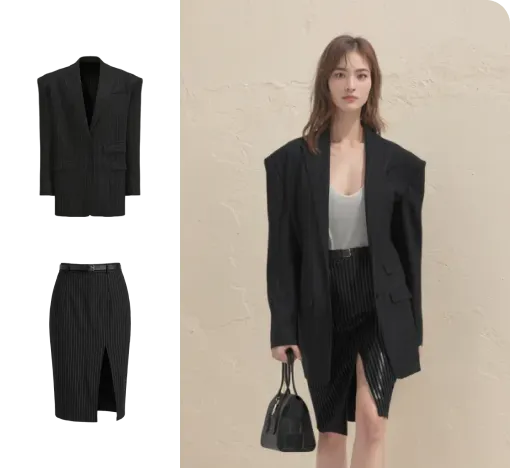
Outfit Try-On

Combine garments into a complete model-worn look.

Outfit Try-On

Clothing Colorways

Explore garment colors and palette variations.

Clothing Colorways

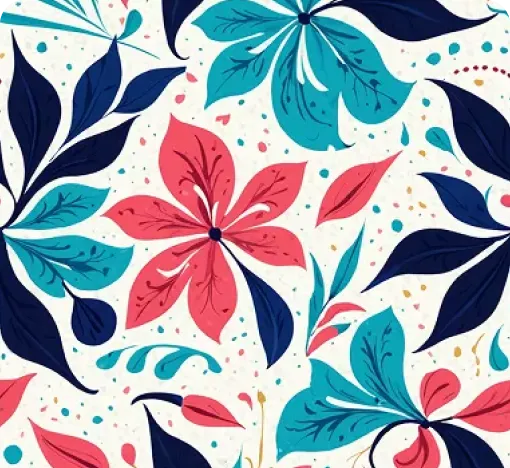
AI Print Generator

Create fashion graphics, prints, and pattern ideas.

AI Print Generator

Virtual Clothing Try-On

Preview clothing on AI models for ecommerce.

Virtual Clothing Try-On

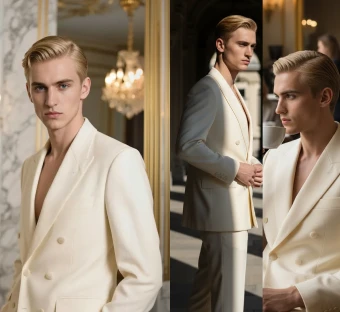
AI Model Generator

Generate fashion models for apparel visuals.

AI Model Generator

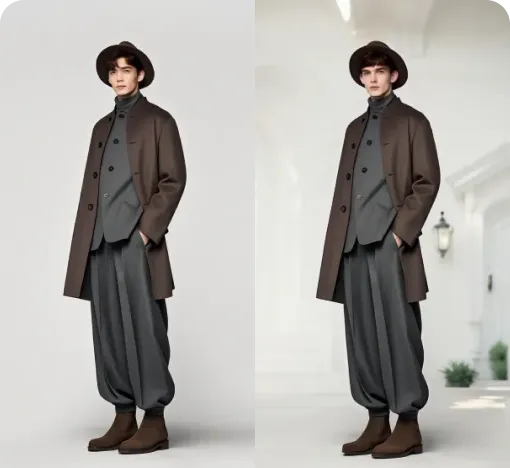
Change Model Background

Replace model scenes and campaign backgrounds.

Change Model Background

AI Model Photoshoot

Create model photoshoots from product images.

AI Model Photoshoot

Change Pose

Generate new model poses for fashion photos.

Change Pose

Image To Video

Turn still fashion images into short videos.