
step
01
Start with a prompt or template
Choose a pattern style or describe your idea.
Create T-shirt graphics, place them on a shirt, and preview the final look on a model in one AI workflow.
 ++
++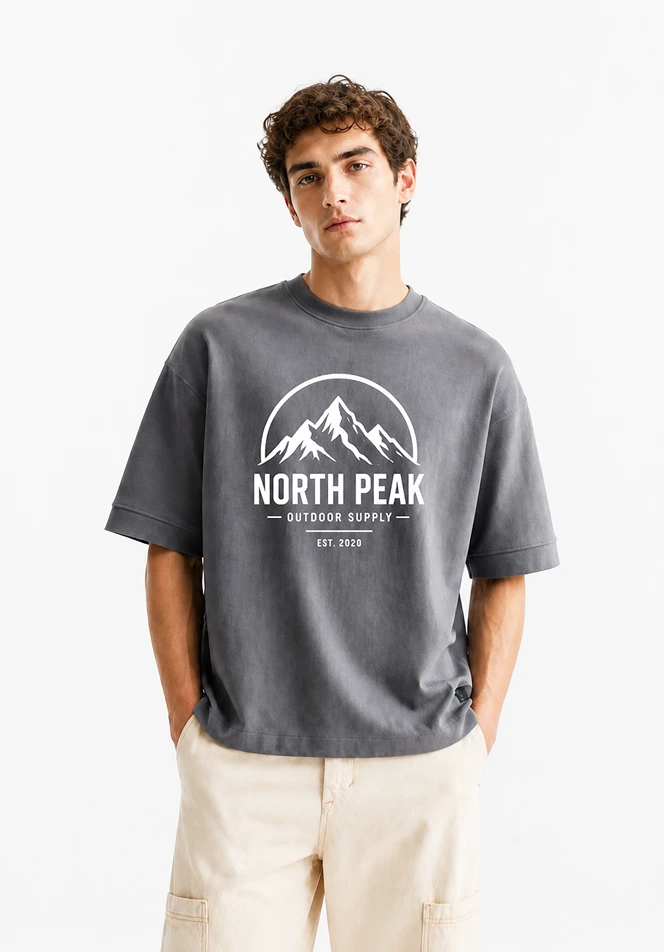
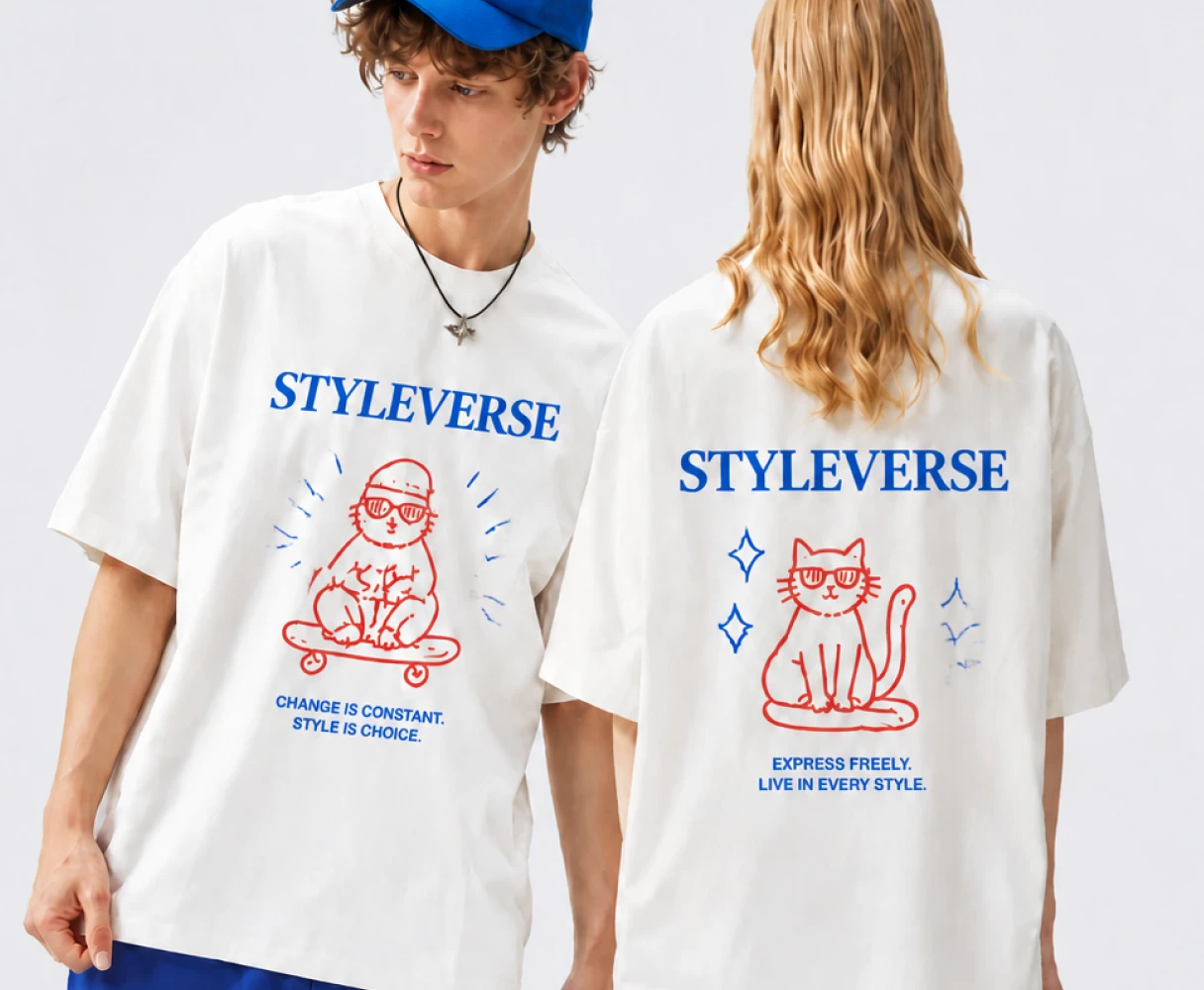
Most AI T-shirt tools stop at a flat graphic. Style3D AI helps you turn an idea into a wearable product visual: generate the artwork, place it on a T-shirt, and preview it on a model.
Choose a pattern style or describe your idea.
Pick a shirt fit or upload your own garment.
Create a model-wearing T-shirt image in about one minute.
See the design as a real product visual before you decide what to refine, download, or sell.
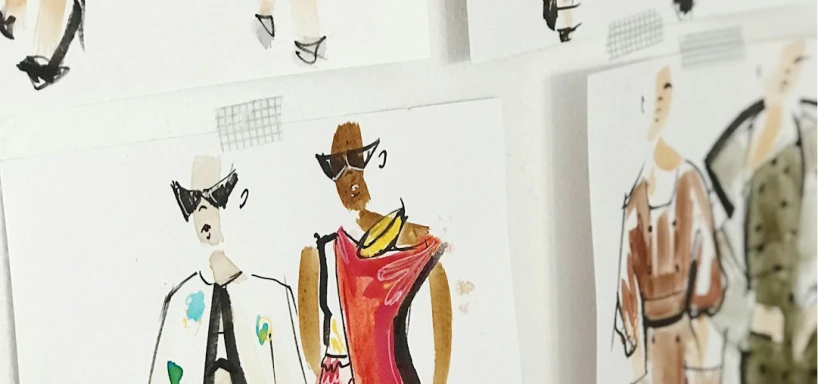
Explore T-shirt graphics and styling ideas faster before moving into production.
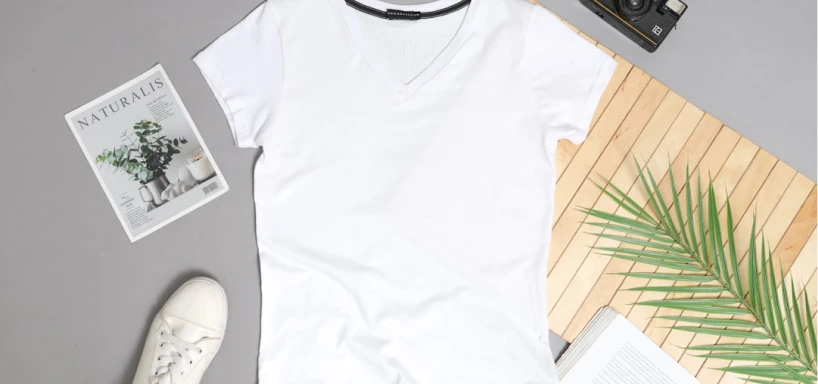
Create product concepts for new drops without waiting for a full photoshoot.
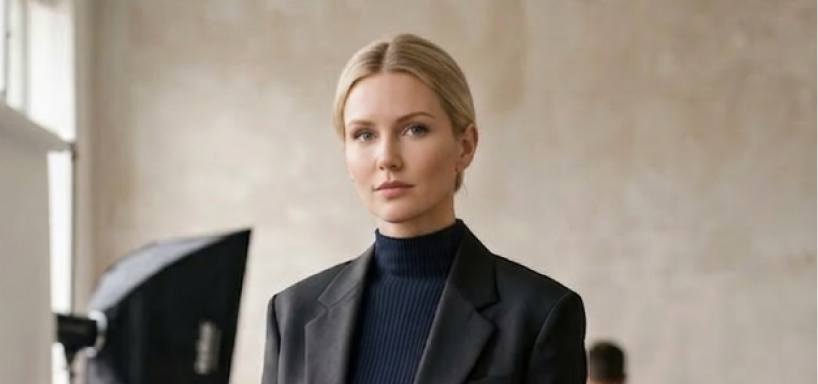
Generate listing-ready visual ideas for shirts, merch, and seasonal products.
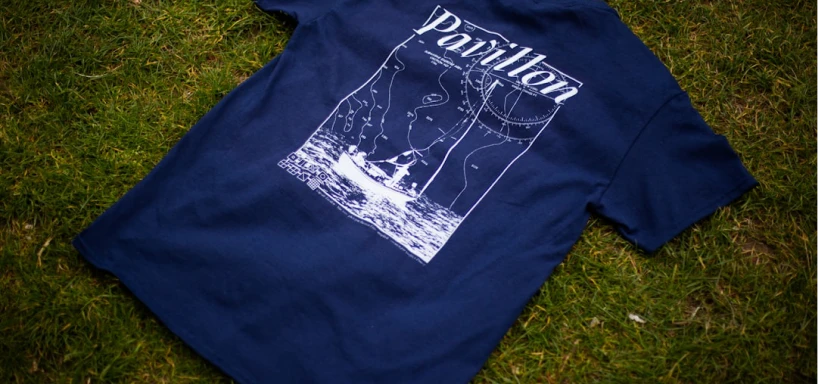
Test more T-shirt design directions before deciding what to sell.
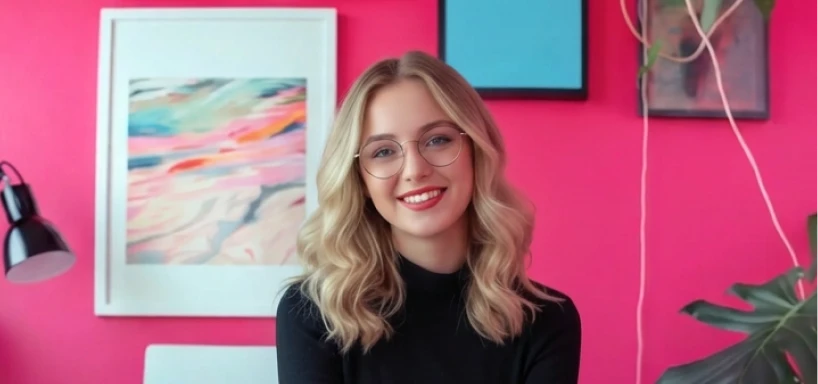
Turn creative ideas into visual concepts for portfolios and class projects.
Create custom T-shirt visuals for content, campaigns, or merch drops.
Use templates as a starting point, then adjust the prompt, colors, layout, shirt style, and model reference to create your own T-shirt design online.
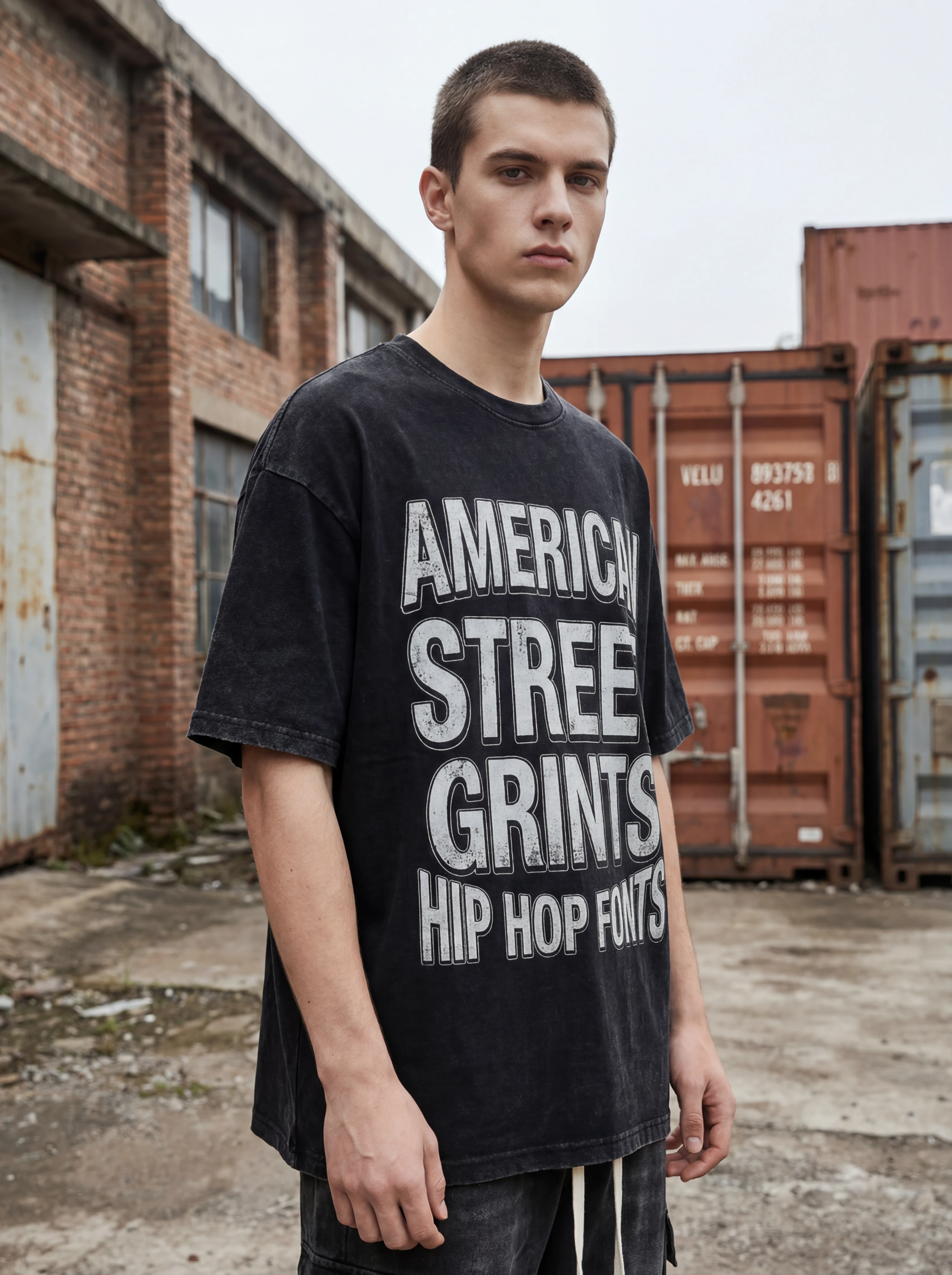
Oversized graphic, drop culture, social media style.
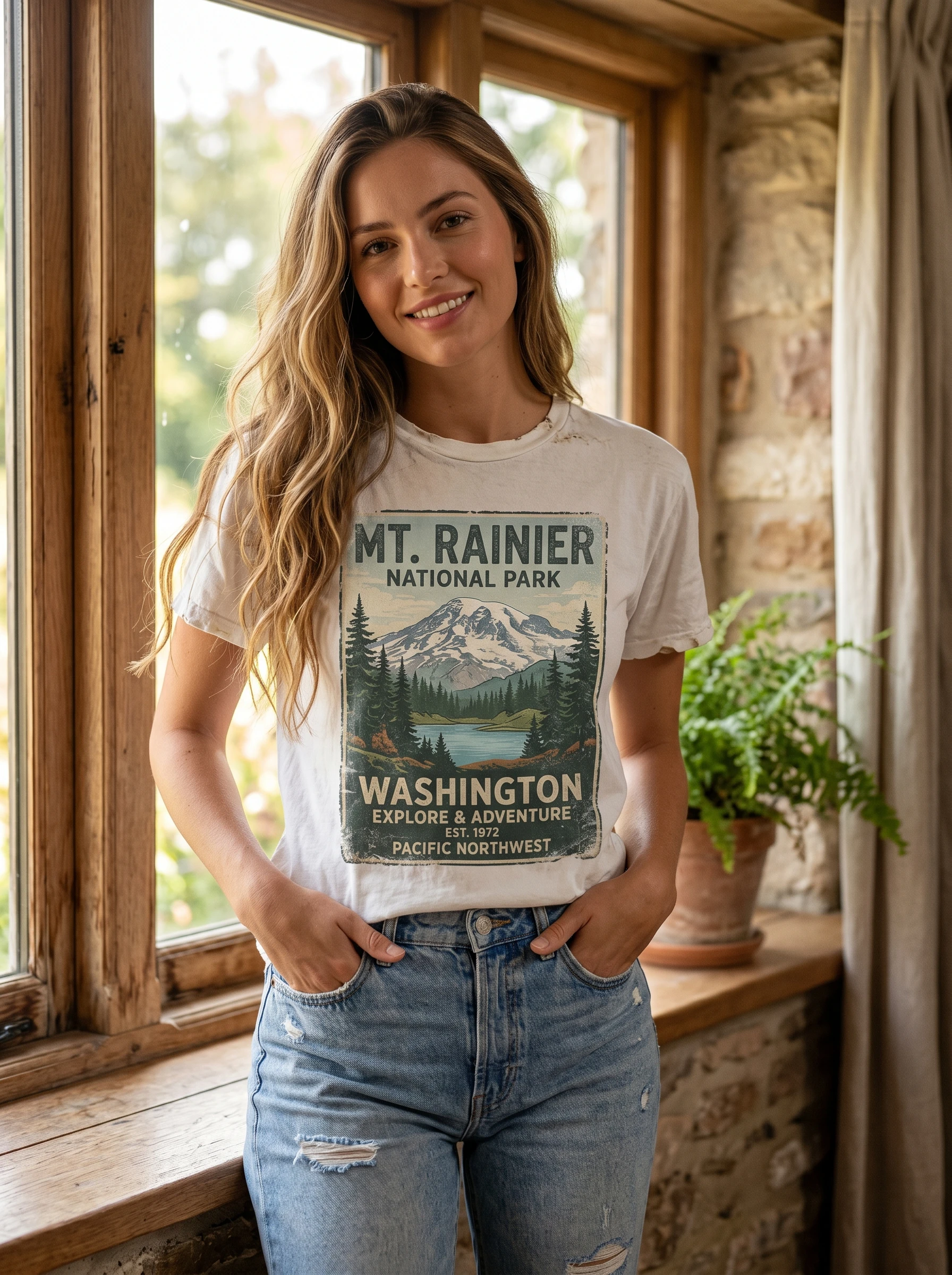
70s/80s/90s poster feel, washed print, distressed texture.
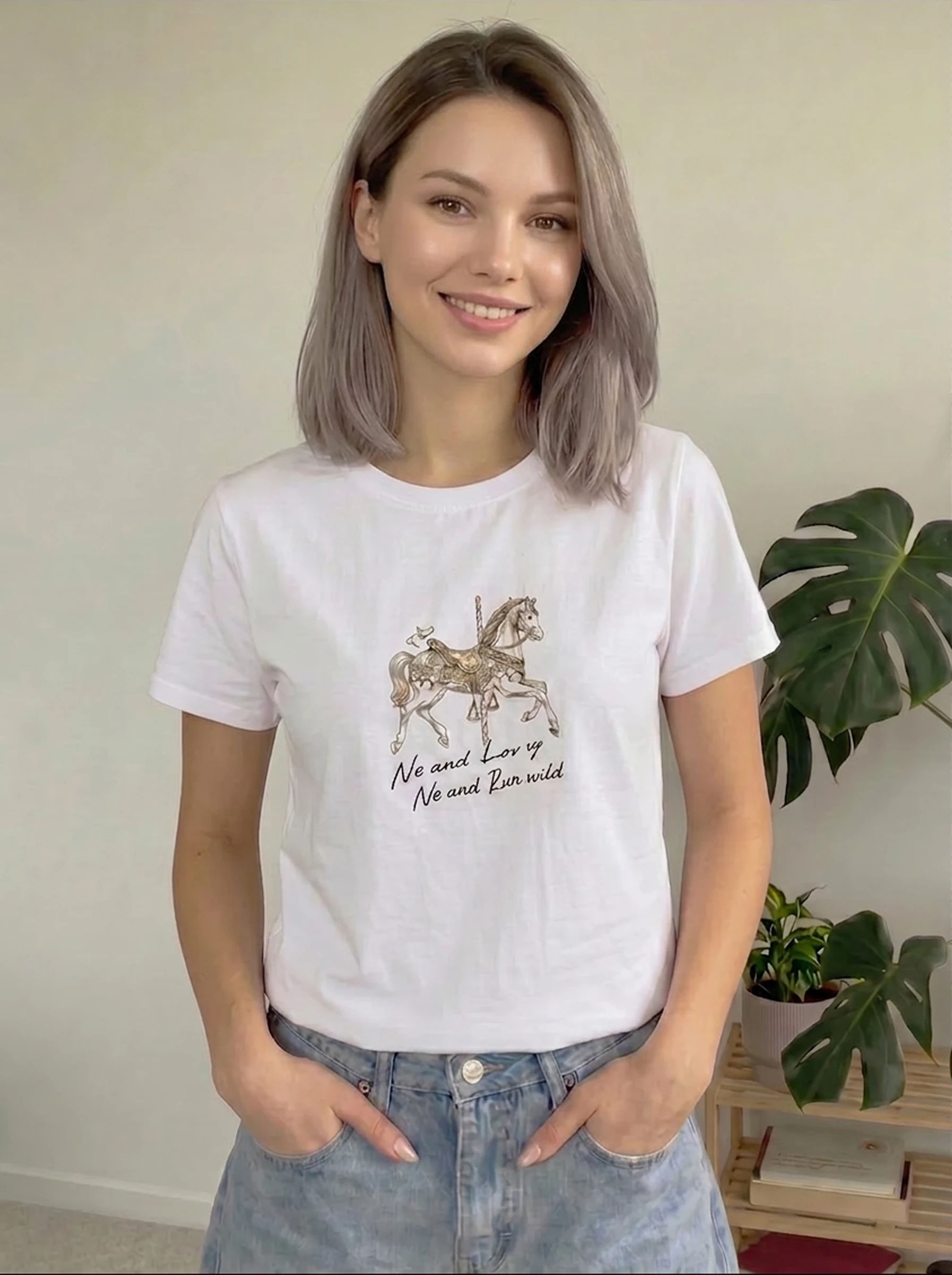
Small prints, line art, simple graphics, premium basics.
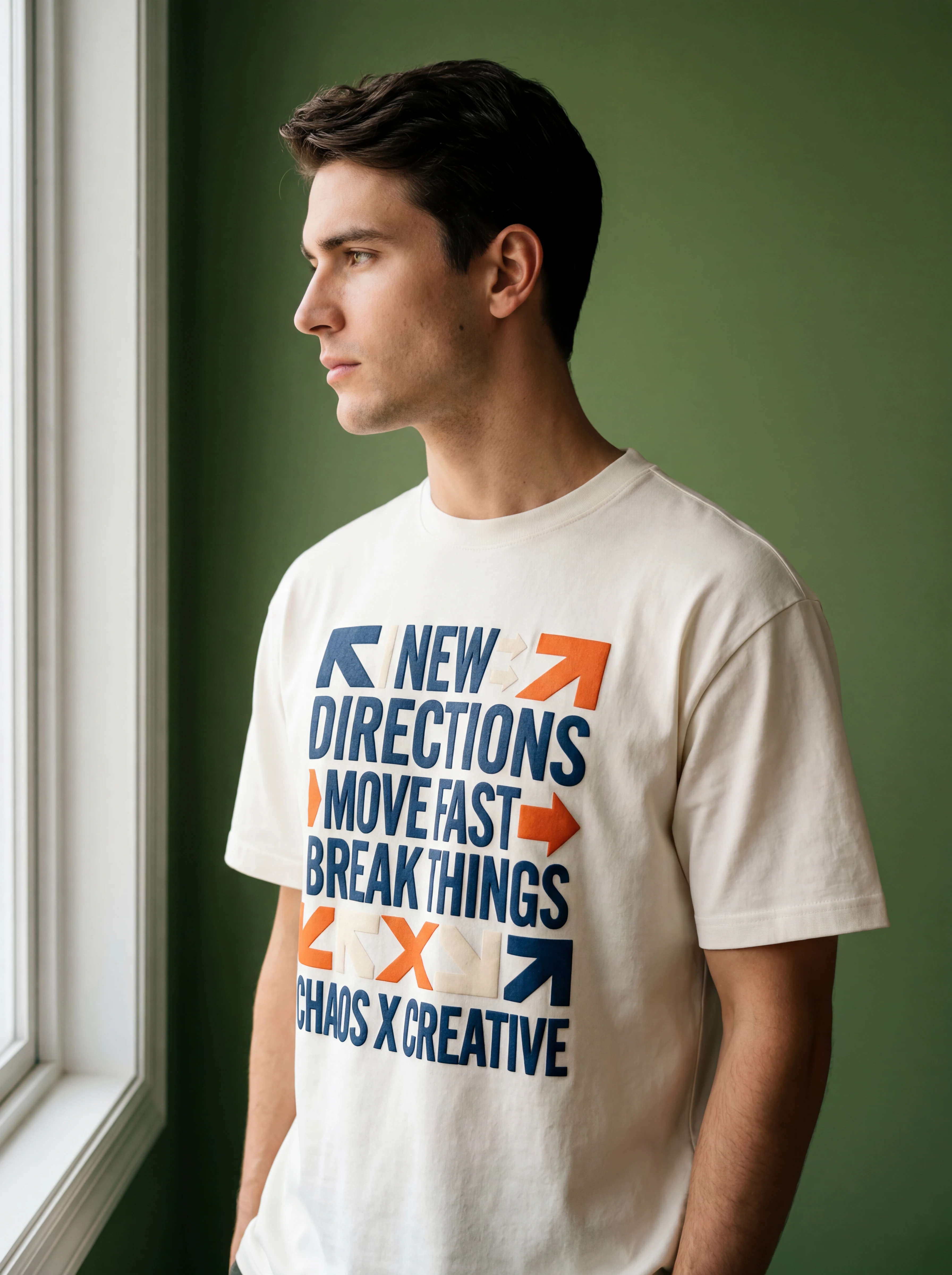
Slogans, quotes, dates, event names, typographic posters.
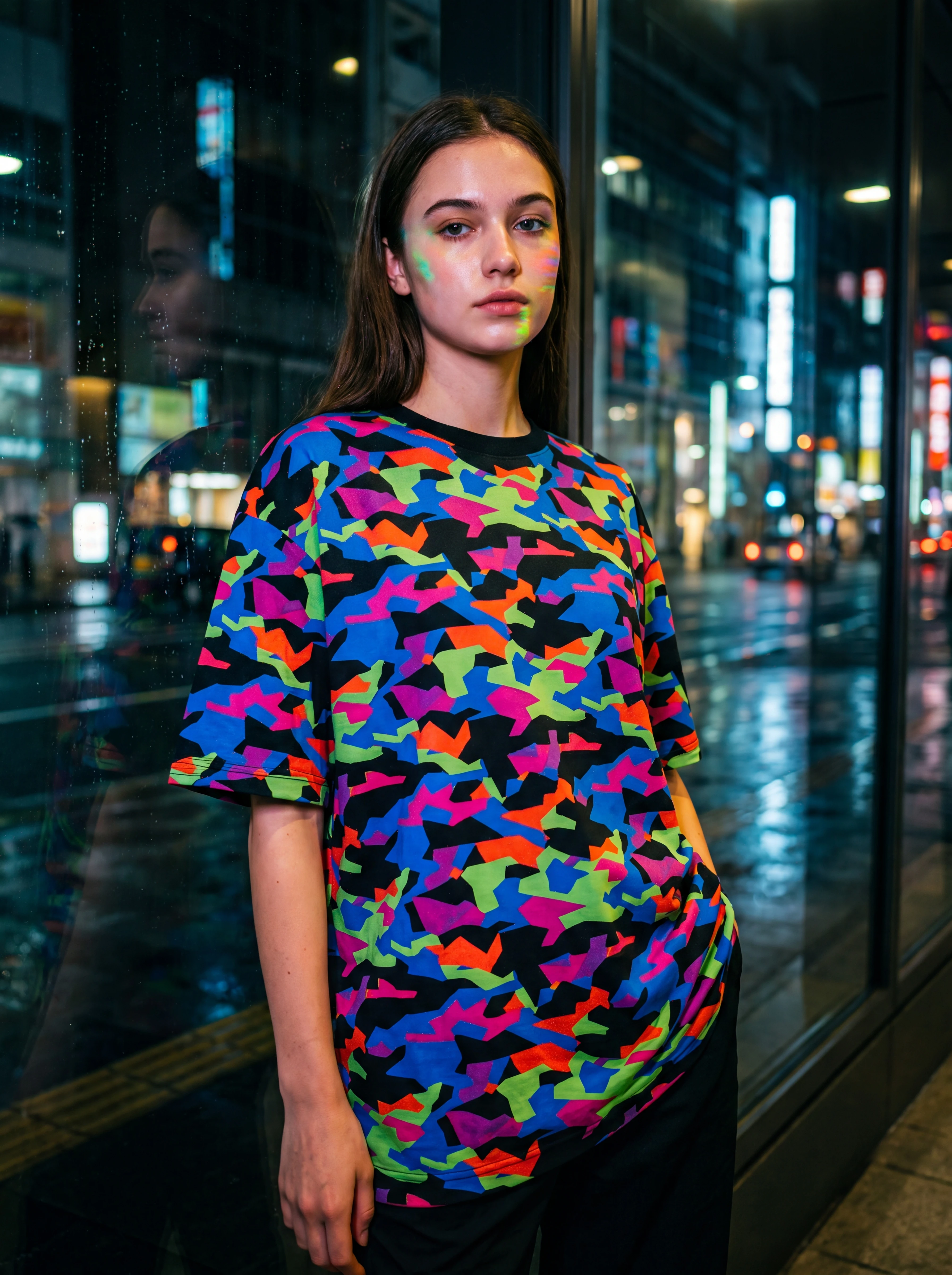
Repeated motifs, all-over print, abstract shapes, camo.
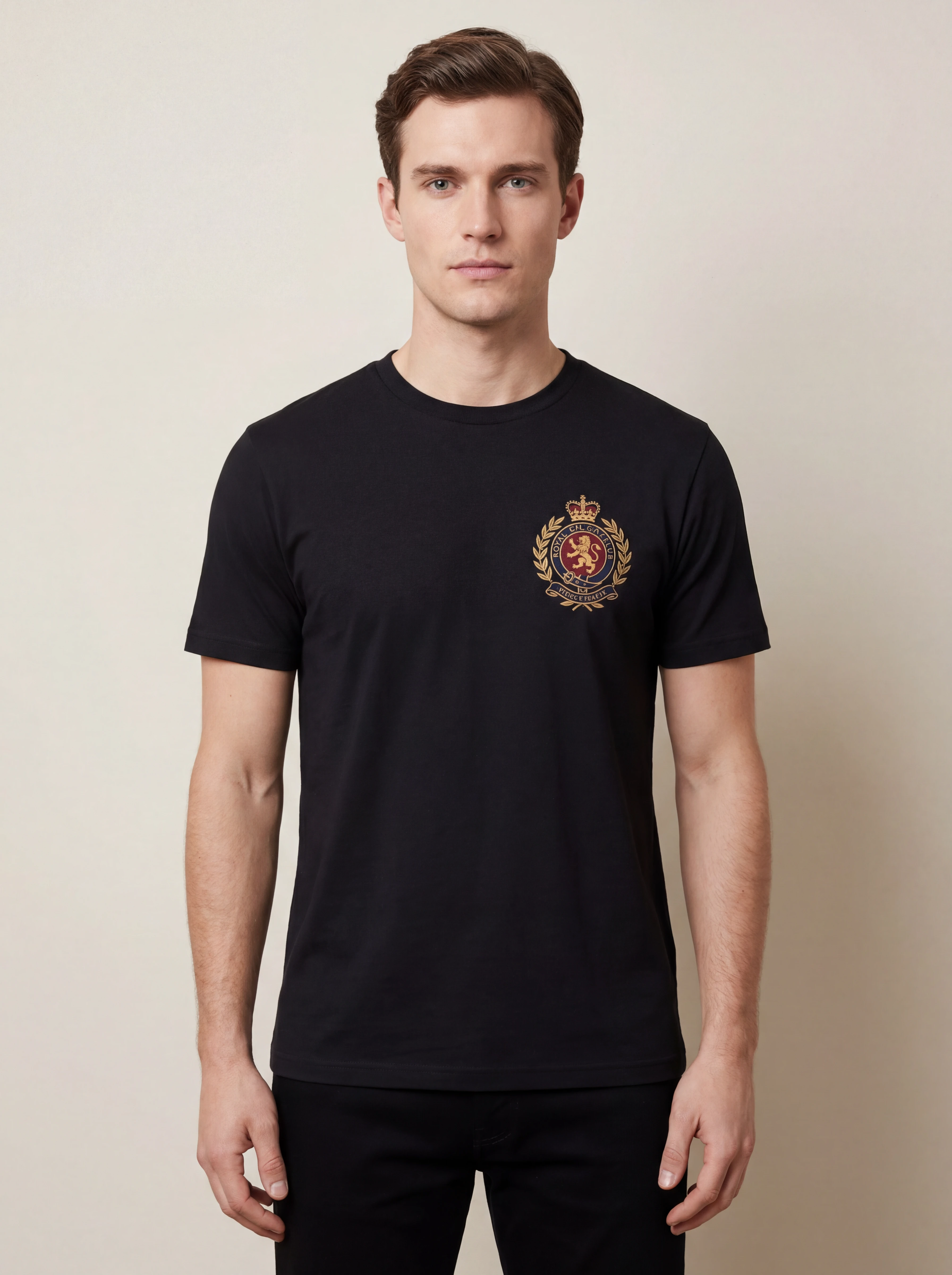
Badges, emblems, crests, team/club uniform graphics.
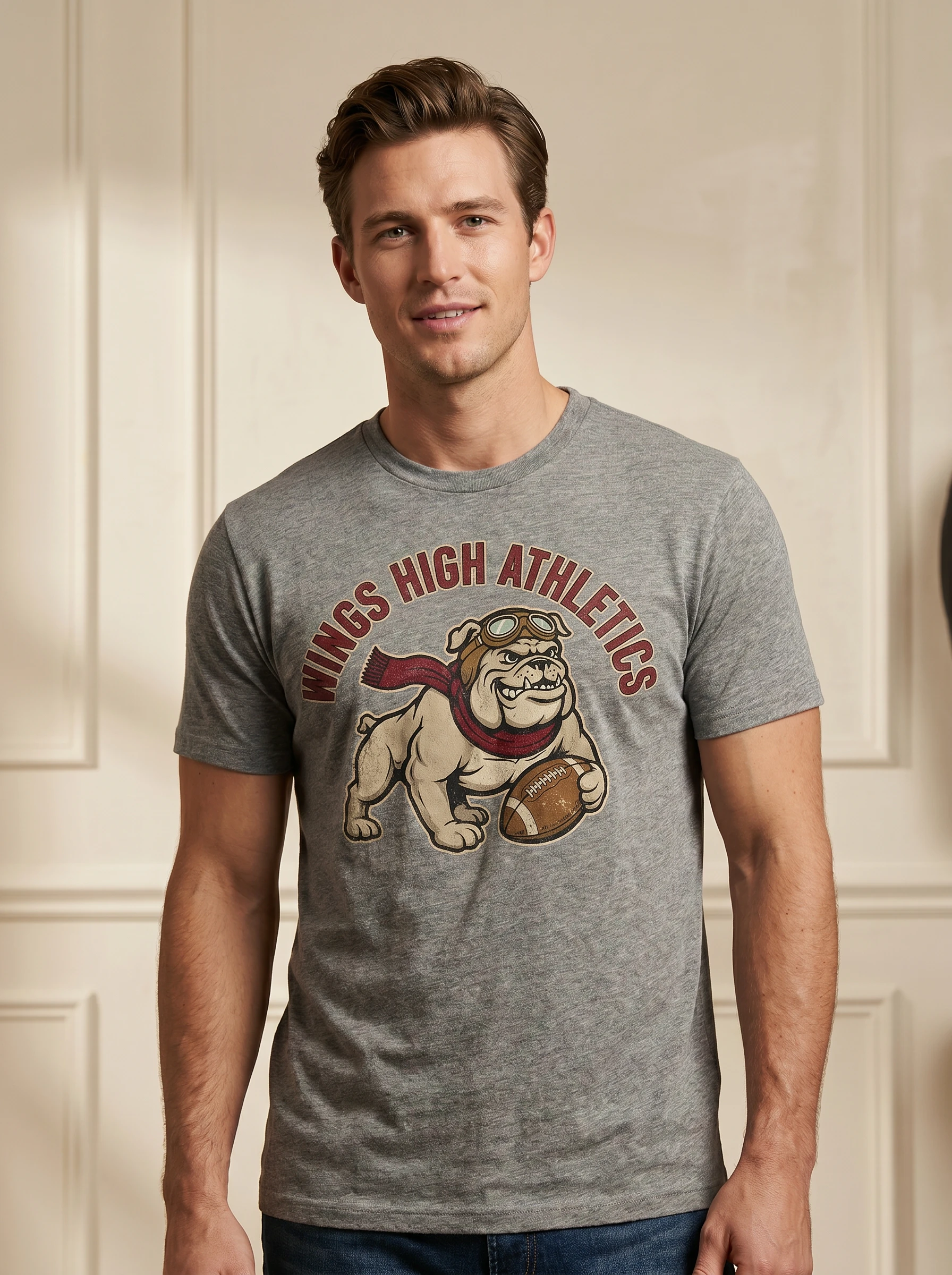
Original characters, mascots, cartoon branding elements.
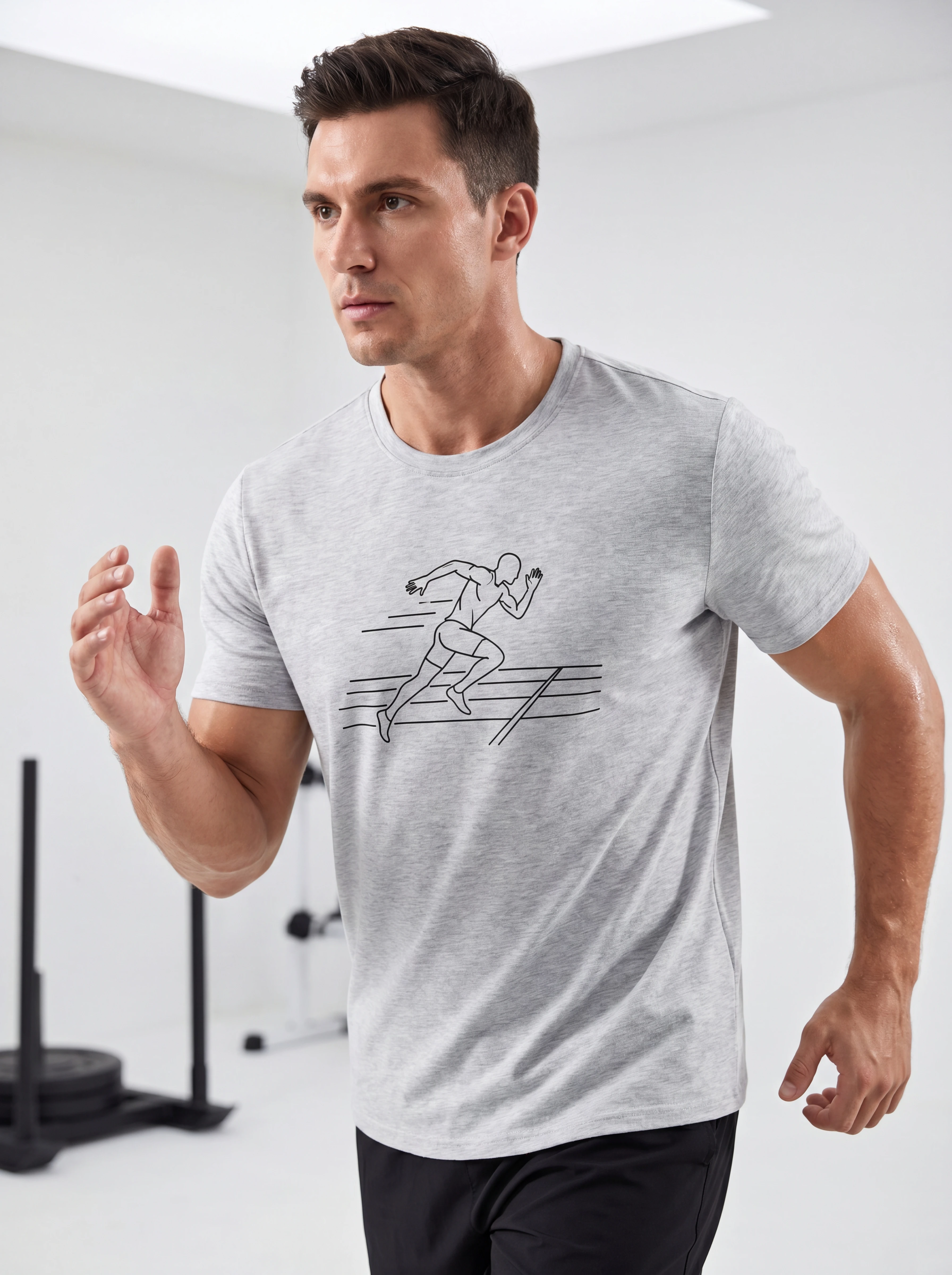
Football, basketball, running, team spirit motifs.
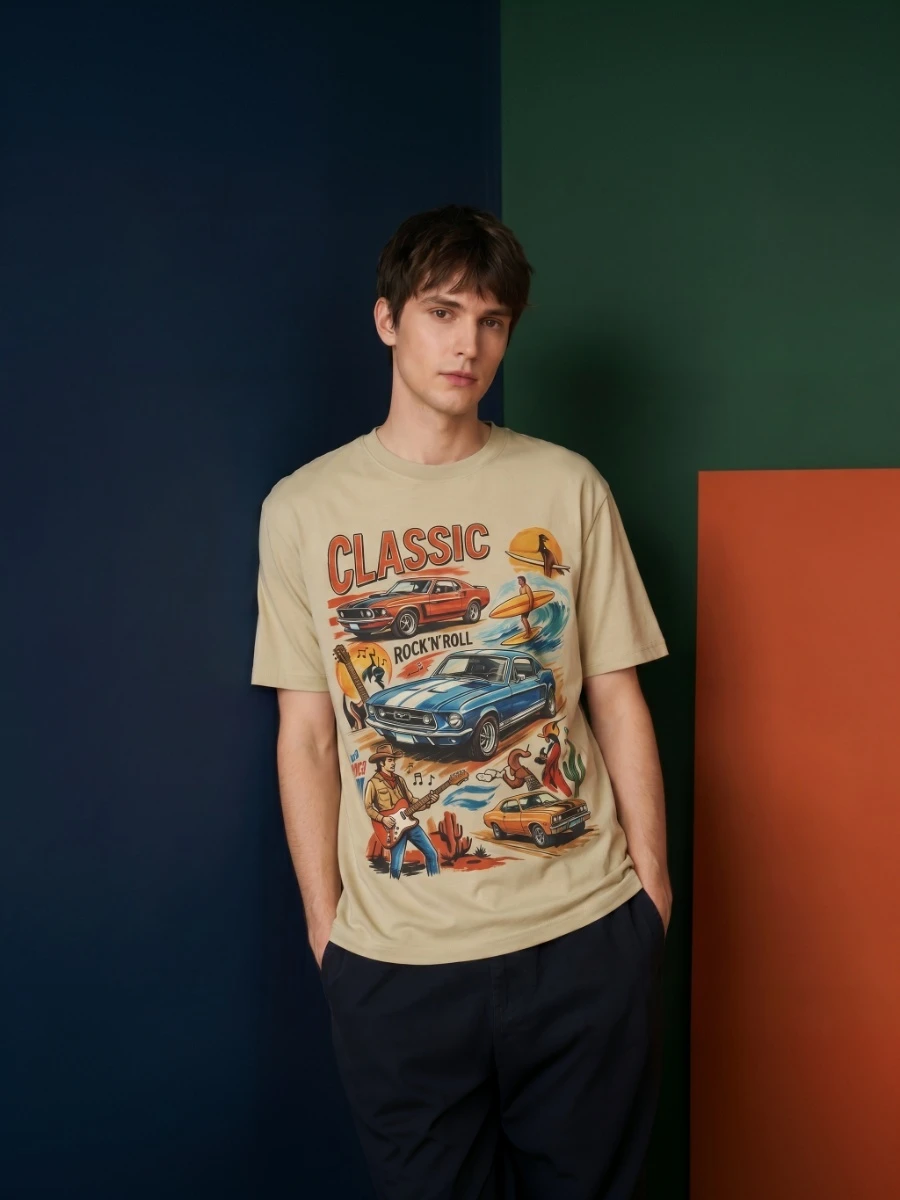
Large graphics, poster-style visuals, artistic prints.
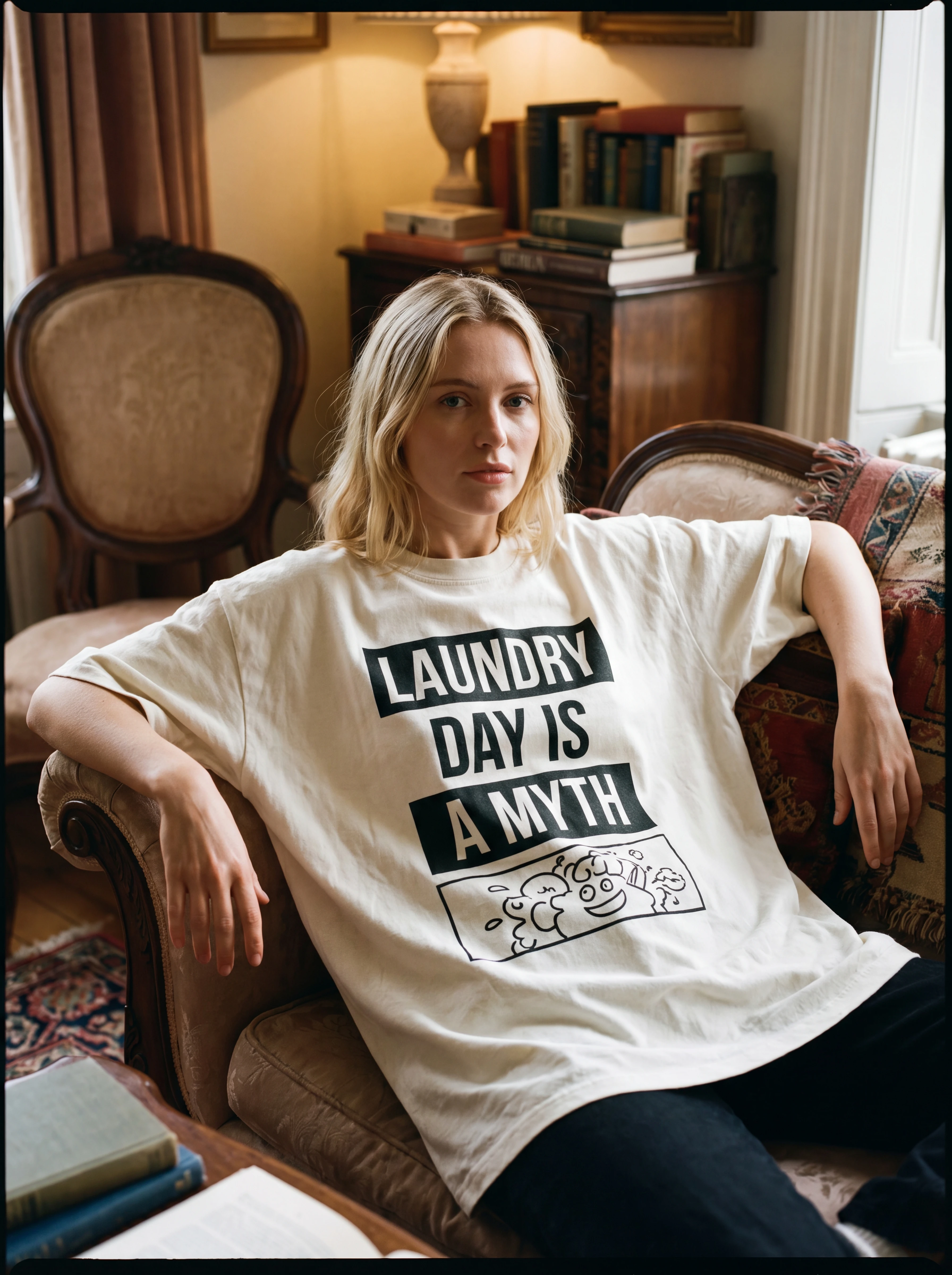
Humor shirts, funny slogans, niche jokes and emojis.