


AI Fashion ToolsFor Ecommerce Sellers
From product photos to listing-ready content · Built for ecommerce fashion workflows
Create product images, model try-on visuals, detail shots, pose variations, outfit looks, model photoshoot sets, and product videos faster with Style3D AI. Built for marketplace sellers, Shopify brands, TikTok Shop teams, small ecommerce studios, and solo online sellers.
Recommended AI Workflow for Ecommerce Sellers
Create Model-Worn Product Images
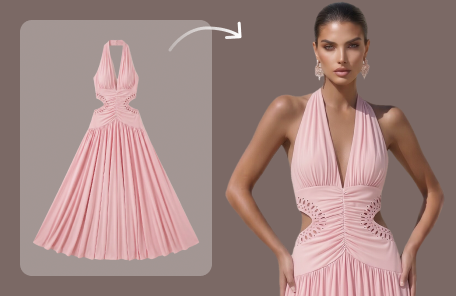
Use Virtual Garment Try-On to show garments on AI models and create realistic product-on-model visuals.
Build Strong Product Listings
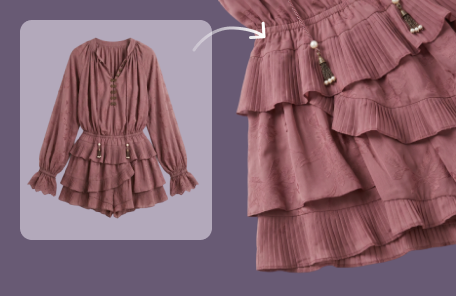
Use Garment Detail Shots to highlight fabric, stitching, trims, and construction. Use Generate Views to create more angles and product views for listings.
Refresh Product Photos Without Reshooting
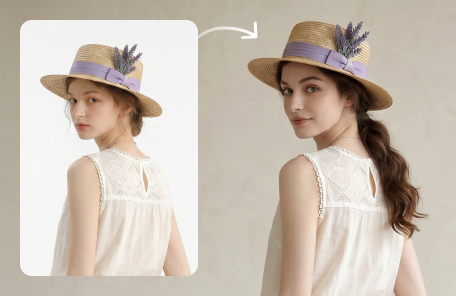
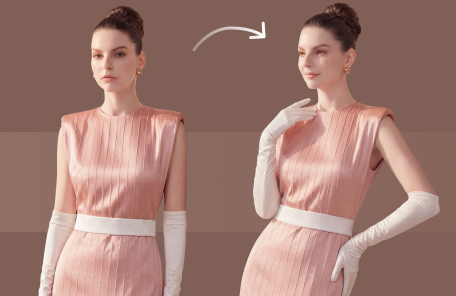
Use Change Model & BG to update models and scenes. Use Change Pose to generate new pose variations from existing fashion photos.
Create Styling and Campaign Assets
Use Outfit Try-On to combine garments and accessories into full looks. Use Model Variations to expand one image into a photoshoot set.
Turn Product Images into Video
Use Reference To Video to upload images and audio, then generate AI videos for product storytelling, social ads, and short-form ecommerce content.
Use Cases: What Ecommerce Sellers Can Create
Product Listing Images
Create model-worn product images, multi-angle views, and clean detail shots for ecommerce listings. These visuals help shoppers understand garment fit, material, styling, and product quality before purchase.
Campaign and Ad Creatives
Refresh product photos with new models, poses, backgrounds, and scenes for campaigns. Sellers can test different creative directions for ads, landing pages, social posts, and seasonal promotions.
Outfit Styling and Bundle Visuals
Combine clothing, shoes, bags, and accessories into complete looks. This helps sellers create styling suggestions, bundle visuals, cross-selling content, and lookbook-style ecommerce assets.
Product Videos and Motion Content
Turn product images, model photos, and reference visuals into short AI videos. This is useful for TikTok Shop, Instagram, ads, product storytelling, and social-first ecommerce campaigns.
Why Use Style3D AI for Ecommerce Product Content?
Ecommerce sellers need product visuals that are fast to create, easy to adapt, and ready for different platforms. Style3D AI helps sellers create model-worn product photos, detail shots, listing images, outfit visuals, and product videos without arranging a new shoot for every SKU.
Create More Product Visuals with Less Production Cost
Generate model photos, product views, detail shots, and pose variations from existing fashion images. This helps small sellers and ecommerce teams reduce repeated photoshoots while still creating enough visual assets for product pages and campaigns.
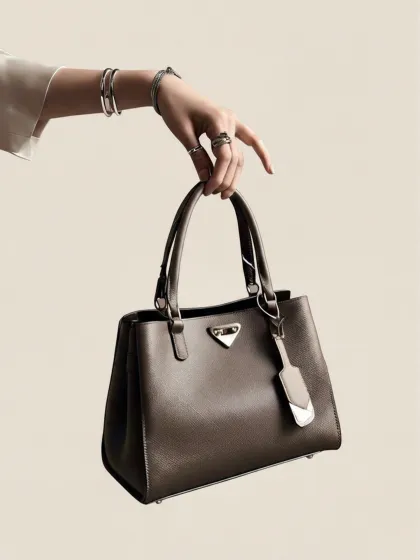
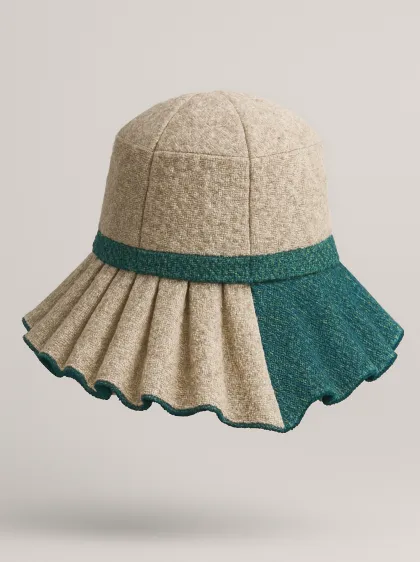
Build Platform-Ready Content Faster
Create product visuals for Amazon, Shopify, TikTok Shop, Lazada, Shopee, social ads, and independent stores. Style3D AI helps sellers adapt one product into multiple images and videos for different channels.
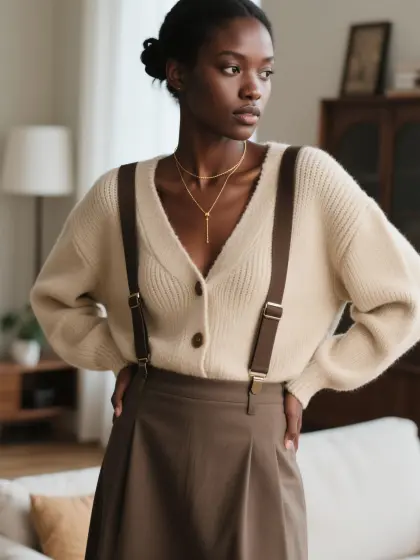
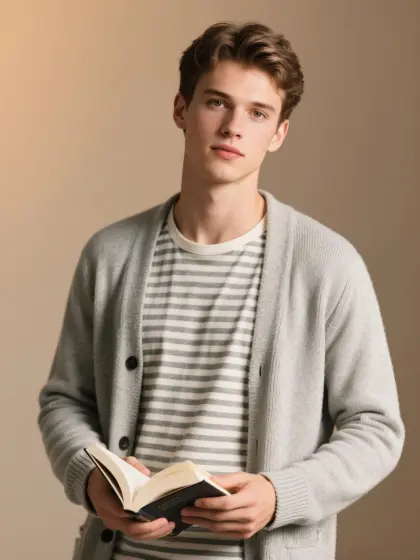
Improve Product Storytelling
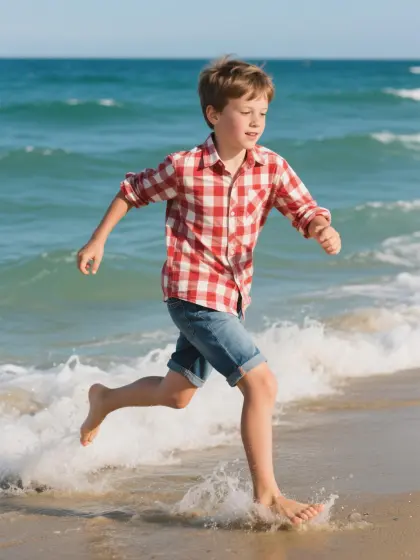
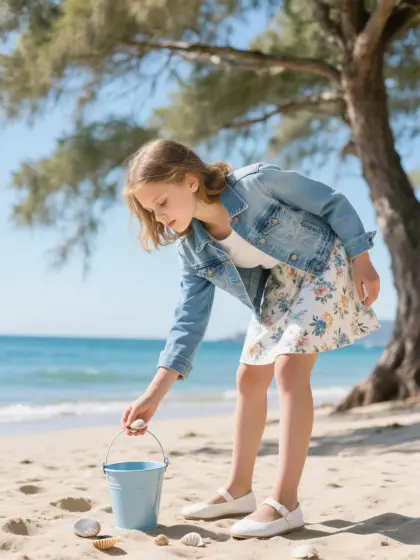
Show garments on models, highlight fabric and construction details, create outfit combinations, and turn still images into motion content. Better visual storytelling can help customers understand product fit, styling, and value.
Support Solo Sellers and Growing Teams
Whether you run a solo store or work inside an ecommerce company, AI tools can help speed up listing preparation, creative testing, campaign planning, and daily content production.
Best AI Tools for Ecommerce Sellers
Virtual Garment Try-On
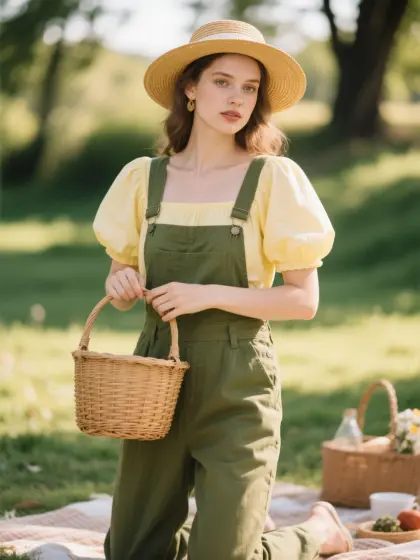
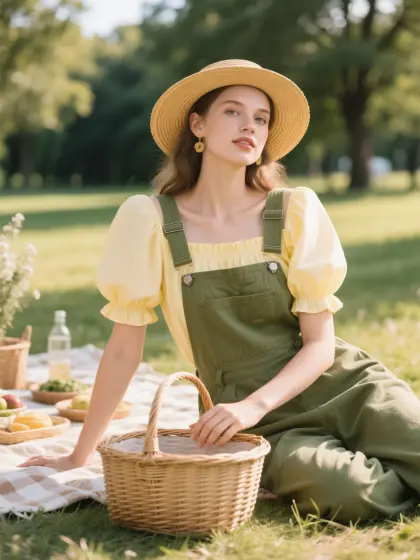
Generate model-worn clothing images from garment photos. Useful for product listings, store visuals, and campaign previews without a full photoshoot.
Best for: Product-on-model images, ecommerce listings, virtual try-on visuals
Garment Detail Shots
Create close-up product detail images that highlight fabric, stitching, trims, texture, and design details. Useful for improving product pages and helping shoppers inspect garments more clearly.
Best for: Detail images, product pages, fabric and trim highlights
Change Model & BG
Replace models or update backgrounds in fashion photos. Sellers can create localized, seasonal, or brand-specific product visuals without reshooting.
Best for: Background changes, model changes, localized ecommerce visuals
Change Pose
Generate new model poses from existing product photos. This helps sellers create more lifestyle and listing variations from one original image.
Best for: Pose variations, product image expansion, campaign testing
Generate Views
Create new product views and fashion photo angles with AI. Useful for showing garments from different angles on product pages or in visual reviews.
Best for: Multi-angle images, product views, listing galleries
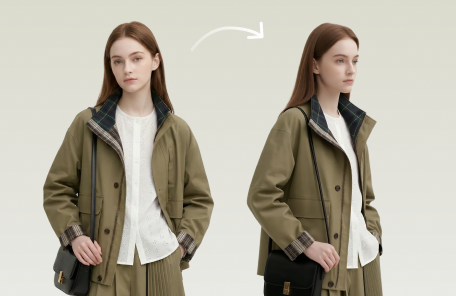
Outfit Try-On
Combine garments, shoes, bags, and accessories into complete model-worn looks. Useful for styling suggestions, bundle promotions, and cross-selling campaigns.
Best for: Outfit visuals, product bundles, styling content
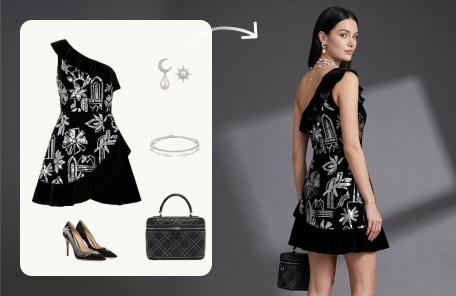
Model Variations
Turn one model image into a set of related photos with different poses, angles, scenes, and compositions. Useful for expanding product content quickly.
Best for: Photoshoot sets, model variations, campaign assets
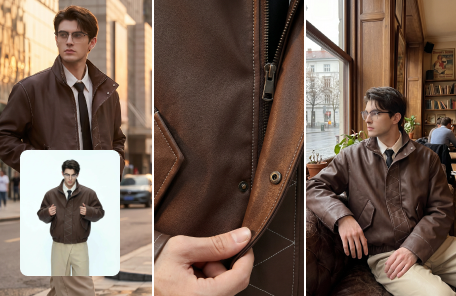
Reference To Video
Generate AI videos from reference images and audio. Sellers can turn product visuals into short videos for social ads, product storytelling, and marketplace content.
Best for: Product videos, social ads, short-form content
How to Choose the Right AI Ecommerce Tool
If you need model-worn product photos
Use to create realistic clothing-on-model images without a photoshoot.
If you need close-up listing images
Use to highlight fabric, stitching, trims, and product details.
If you want to change the model or scene
Use to replace models or backgrounds in existing product photos.
If you want more poses from one photo
Use to generate new model poses from one fashion image.
If you need more product angles
Use to create additional front, side, back, or detail views.
If you want complete styled looks
Use to combine garments and accessories into full outfit visuals.
If you need a full photoshoot set
Use to turn one image into multiple model photo variations.
If you want product videos
Use to turn product images and audio into short AI videos.