


AI Fashion ToolsFor Fashion Designers
From first idea to design-ready visuals · Built for real apparel workflows
Create fashion concepts, sketches, colorways, prints, design variations, technical drawings, and virtual try-on visuals faster with Style3D AI. Built for apparel designers, textile designers, graphic designers, solo studios, and small fashion teams.
Recommended AI Workflow for Fashion Designers
Start with a Design Idea
Use Text To Design to turn a written idea into fashion visuals, or use Image To Design when you already have a garment photo, moodboard image, or reference style.
Visualize Sketches and Explore Variations
Use Sketch To Design to turn rough drawings into polished design visuals. Then use Design Variations to explore more silhouettes, styling directions, and design options from the same starting point.
Refine Color, Print, and Surface Direction
Use Change Colors to test garment colorways. Use AI Print Generator to create prints, textile patterns, and graphic ideas for apparel collections.
Prepare Design and Presentation Assets
Use Extract Technical Drawing to create flat sketch-style references. Use Virtual Garment Try-On to preview garments on AI models for design review, product storytelling, and presentation visuals.
Use Cases: What Fashion Designers Can Create
Collection Concepts
Create early collection ideas from prompts, sketches, and reference images. Designers can quickly explore silhouettes, categories, materials, styling moods, and seasonal directions before moving into detailed development.
Colorways and Print Directions
Generate garment colorways, print ideas, textile patterns, and graphic variations for apparel collections. This helps fashion, graphic, and fabric designers compare more directions before sampling or production.
Design Development References
Create technical drawing-style visuals, flat sketches, and clearer garment references from existing images. These assets can support supplier communication, internal review, product planning, and early tech pack preparation.
Model-Worn Presentation Visuals
Preview garments on AI models to make design ideas easier to review and present. Designers can use model-worn visuals for line reviews, client decks, ecommerce previews, lookbooks, and campaign planning.
Why Use Style3D AI for Fashion Design?
Fashion designers often need to move quickly from ideas to visuals, especially in small teams where one person may handle concept design, print exploration, colorways, presentation assets, and product communication. Style3D AI helps designers create more visual options with less manual production work.
Speed Up Early Design Exploration
Start from a prompt, reference image, or sketch and quickly generate clothing concepts, silhouettes, styling directions, and design variations. This helps designers explore more options before committing to final sketches, samples, or development work.
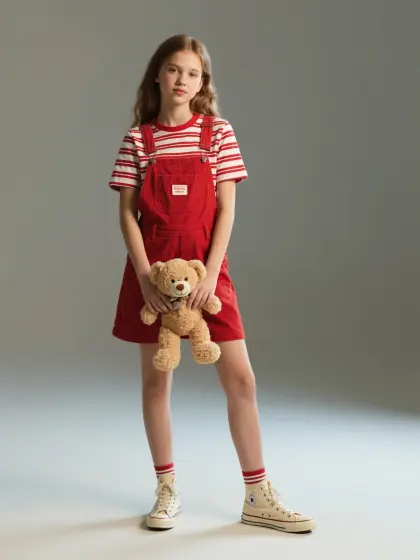
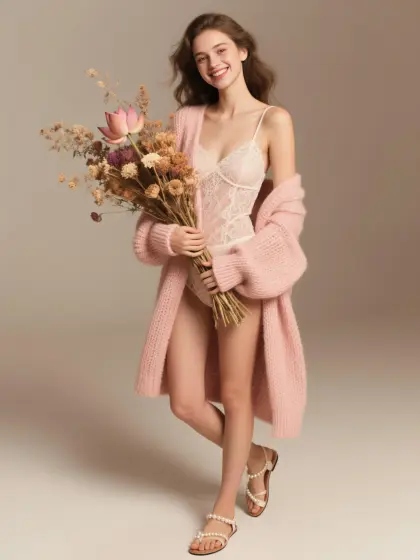
Support Apparel, Graphic, and Textile Design
Style3D AI supports more than garment ideation. Designers can create prints, textile patterns, graphic ideas, colorways, technical drawings, and model-worn garment previews in one connected workflow.
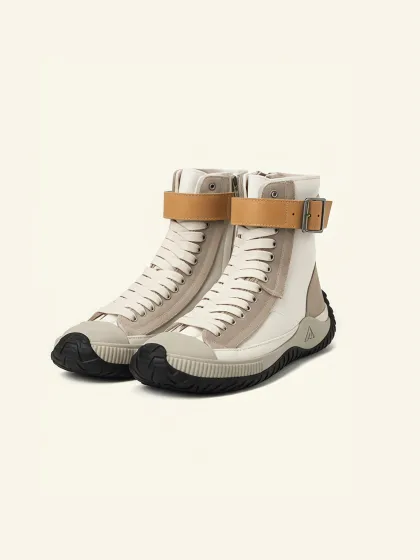
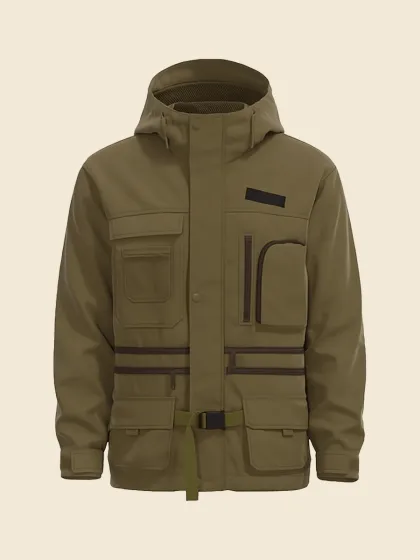
Create More Variations with Less Manual Work
Generate multiple style directions, color options, print ideas, and design versions faster than rebuilding each variation manually. This is especially useful for small studios, solo designers, and lean apparel teams.
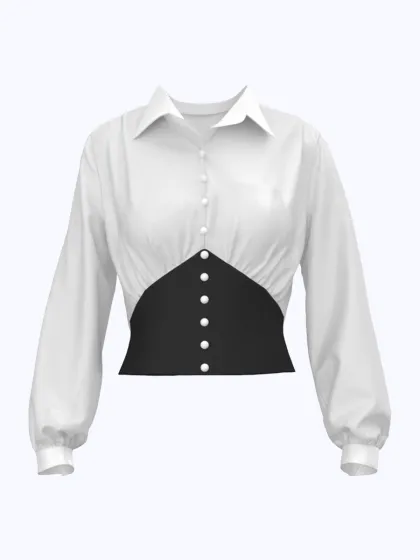
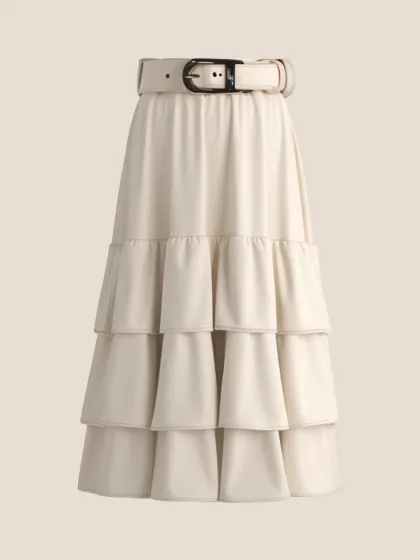
Prepare Clearer Visuals for Review and Communication
Use AI-generated visuals for design boards, internal reviews, client presentations, supplier communication, and product planning. Better visuals make it easier to explain ideas before samples are ready.
Best AI Tools for Fashion Designers
Text To Design
Text To Design helps designers turn written prompts, collection themes, and garment ideas into visual clothing concepts. It is useful for early ideation, silhouette exploration, and quick concept generation.
Best for: Concept design, collection ideas, prompt-based fashion visuals
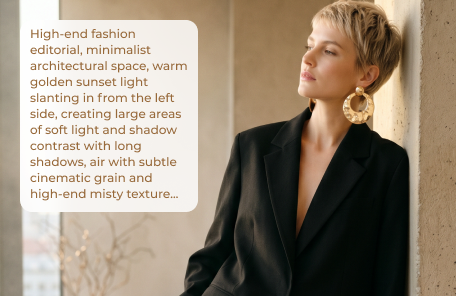
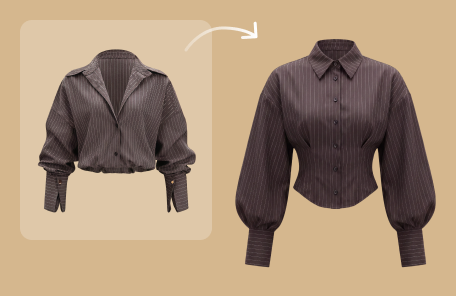
Image To Design
Image To Design lets designers upload a garment or reference image and generate new apparel concepts from it. It is useful for redesigning styles, exploring similar directions, or extending an existing visual idea.
Best for: Reference-based design, style exploration, category ideas
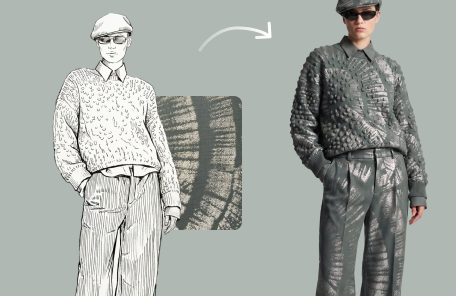
Sketch To Design
Sketch To Design turns rough sketches, line drawings, and Procreate concepts into polished fashion visuals. Designers can use it to quickly present ideas before detailed rendering or sampling.
Best for: Sketch visualization, design drafts, portfolio visuals
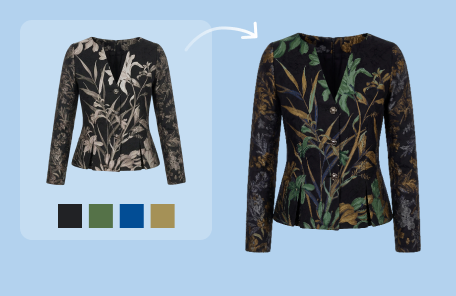
Change Colors
Change Colors helps designers generate clothing colorways and compare palette directions for a garment. It is useful for collection planning, merchandising review, and product development.
Best for: Colorways, palette testing, seasonal color planning
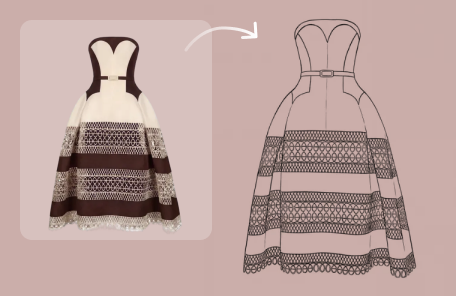
Extract Technical Drawing
Extract Technical Drawing helps convert garment images into clean technical drawing-style references and flat sketches. It can support design documentation, supplier communication, and development review.
Best for: Technical flats, garment references, product development
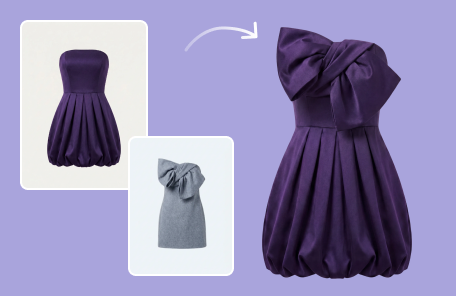
Style Fusion
Design Variations helps designers generate multiple versions of a fashion idea, sketch, or reference image. It is useful for comparing shapes, details, and creative directions before finalizing a design.
Best for: Design iteration, style variations, creative exploration
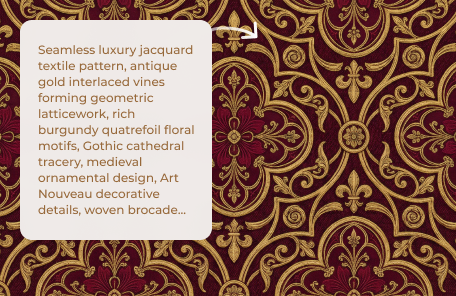
AI Print Generator
AI Print Generator helps graphic and textile designers create fashion prints, patterns, and apparel graphics. It can be used to generate similar styles, repeatable patterns, and fresh print directions.
Best for: Print design, textile patterns, apparel graphics
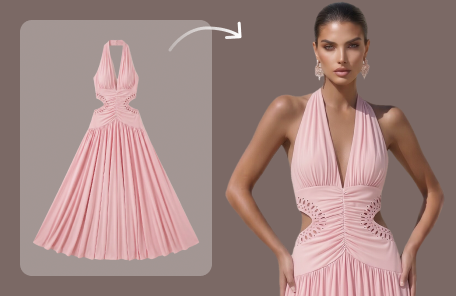
Virtual Garment Try-On
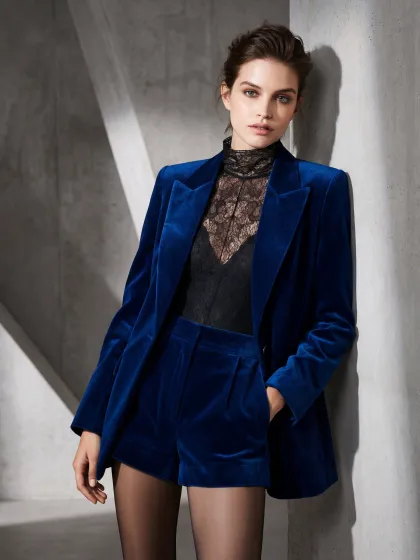
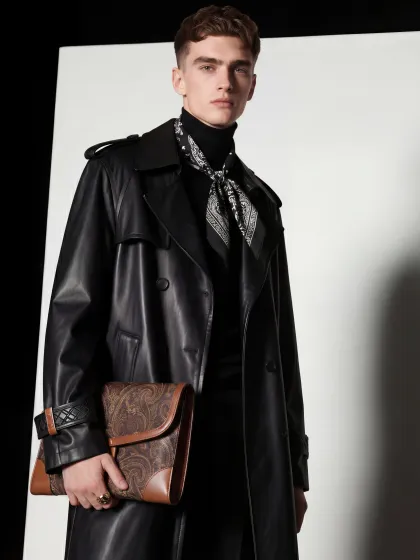
Virtual Garment Try-On helps designers preview garments on AI models and create realistic model-worn visuals. It is useful for design review, presentation, ecommerce preview, and campaign planning.
Best for: Garment preview, model-worn visuals, design presentation
How to Choose the Right AI Fashion Design Tool
If you only have a written idea
Use to turn prompts into fashion concepts.
If you have a reference image
Use to generate new clothing ideas from an existing visual.
If you have a sketch or line drawing
Use to turn it into a polished fashion image.
If you need more versions of one idea
Use to explore different silhouettes, details, and style directions.
If you need new garment colors
Use to create and compare clothing colorways.
If you need print or textile ideas
Use to create patterns, graphics, and fashion print concepts.
If you need technical references
Use to create flat sketch-style visuals from garment images.
If you need model-worn visuals
Use to preview garments on AI models.