


AI Fashion Design Generator From Text
How To Create: Step-By-Step Guide
Describe your fashion idea in simple words and let Style3D AI turn it into visual clothing concepts, silhouettes, and design variations.
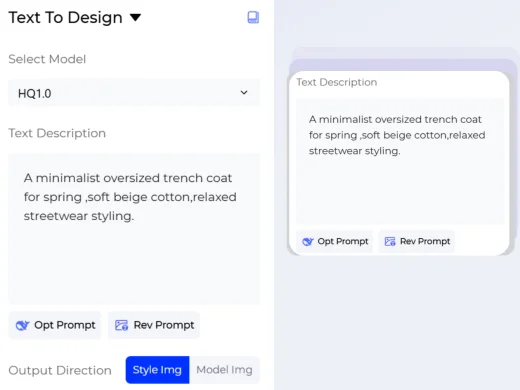
Write Your Fashion Prompt
Describe the garment you want to create, including category, silhouette, fabric, color, style, season, target customer, and any design details.
Example: "A minimalist oversized trench coat for spring, soft beige cotton, relaxed streetwear styling."
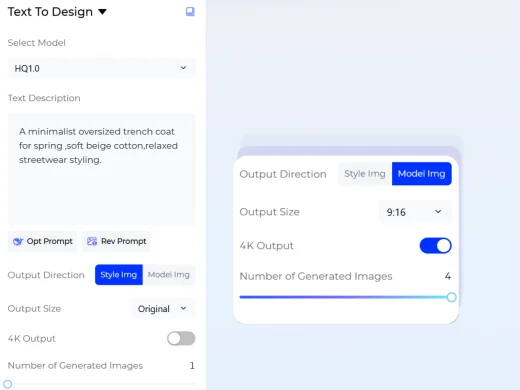
Choose Your Generation Settings
Set the output direction, image size, and number of results before generating.
- For output direction, choose Style Image to create clothing design visuals, or Model Image to generate a model wearing the designed garment.
- For size, select from multiple aspect ratios based on where the image will be used.
- For quantity, generate up to four images at once to compare different design options.
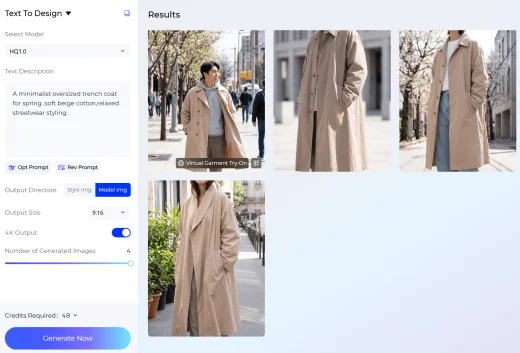
Generate Your Fashion Image
Click Generate Now and Style3D AI will turn your prompt and selected settings into fashion visuals.
Review the generated results, compare variations, and save the images that best match your design direction.
Use Cases: Who It's For
Text to Design helps fashion teams, ecommerce sellers, and creators turn written clothing ideas into AI-generated fashion images for faster concept development.
For Fashion Designers
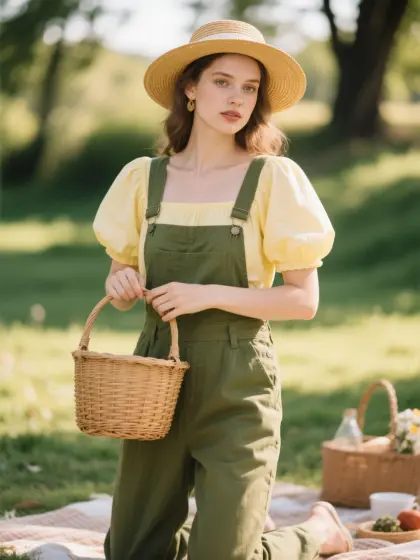
Use text prompts to quickly explore garment ideas, silhouettes, materials, colors, and seasonal design directions. Instead of starting from a blank page, designers can generate multiple AI fashion design concepts and use them as visual references for collection planning, sketch refinement, or 3D product development.
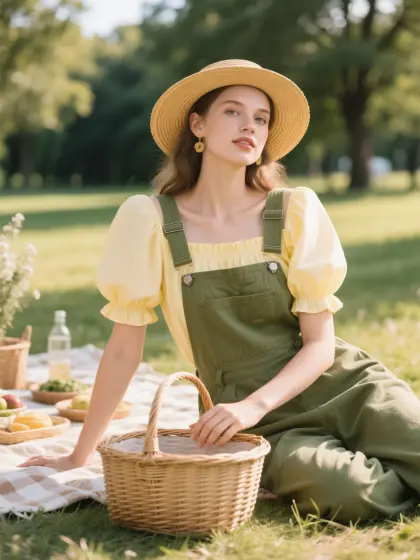
For Ecommerce Sellers and Fashion Creators
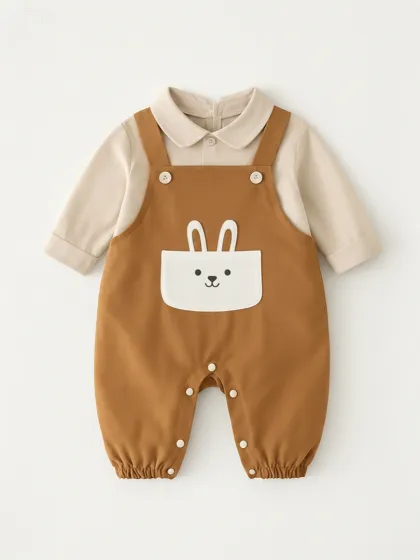
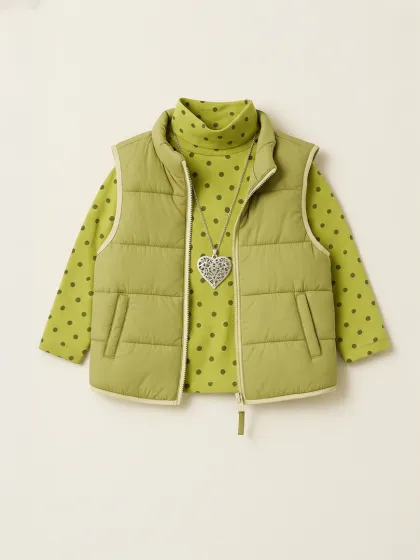
Generate clothing concepts, outfit ideas, and model image previews for online stores, campaigns, social media, and creative testing. Text to Design makes it easier to turn a simple fashion idea into polished apparel visuals without needing advanced design software or a physical photoshoot.
For Apparel Brands and Product Teams
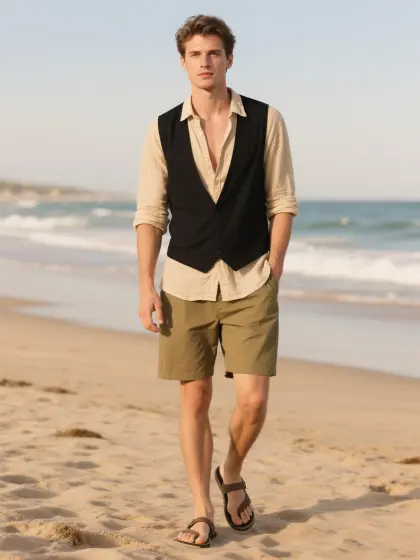
Create early-stage clothing design visuals for product meetings, trend research, merchandising discussions, and internal design reviews. Teams can generate style images or model-worn fashion images from the same prompt, making it easier to compare design directions before sampling or production.
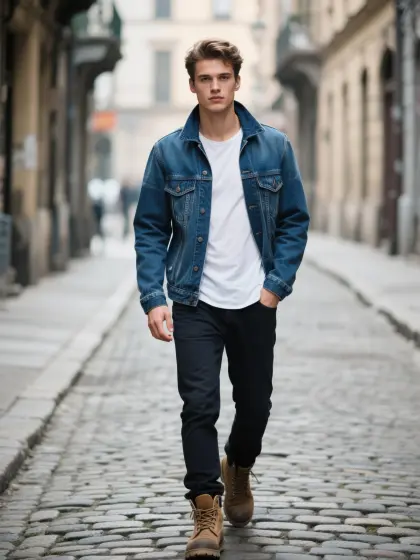
Social Proof & Reviews
Trusted by Global Fashion Designers and Brands
Share Your Feedback

honestly as a freelance designer, just getting my first ideas down on paper takes me hourss. this text to design thing gave me super realistic concepts in like seconds. completely changed how i work tbh.
Been using Style3d to test out variations for our next drop. The accuracy of the fabrics and silhouettes from just typing a prompt is insane. mind blowing actually.
i literally cant draw at all lol but this let me make a whole lineup of streetwear jackets just by typing. the high res downloads are so good!!
Frequently Asked Questions
Explore More Tools
More AI-Powered Tools for Your Fashion Workflow
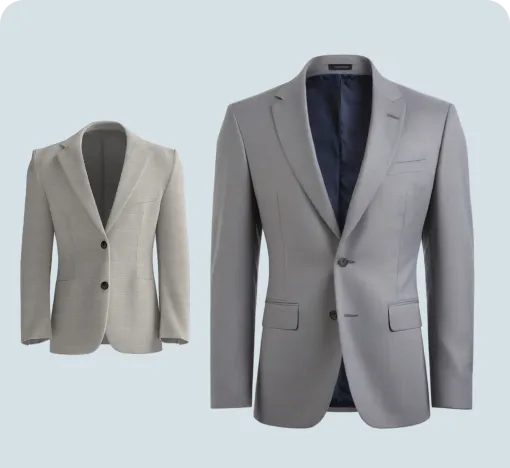
Image To Design
Create new style options from an existing garment image.
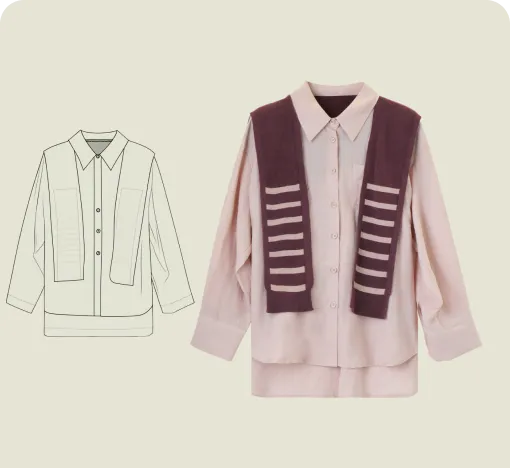
Sketch To Design
Convert hand-drawn sketches into realistic garment images.
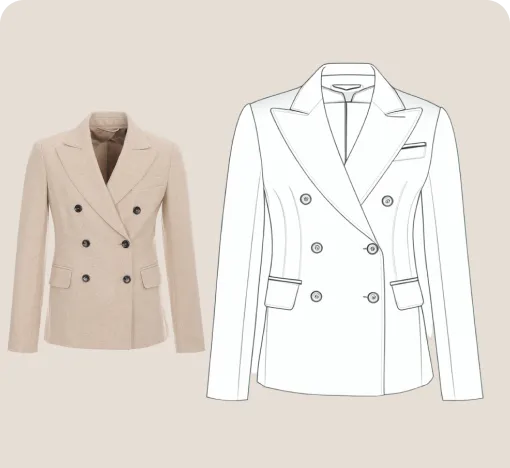
Extract Technical Drawing
Turn garment images into clean line art and editable vector drawings.
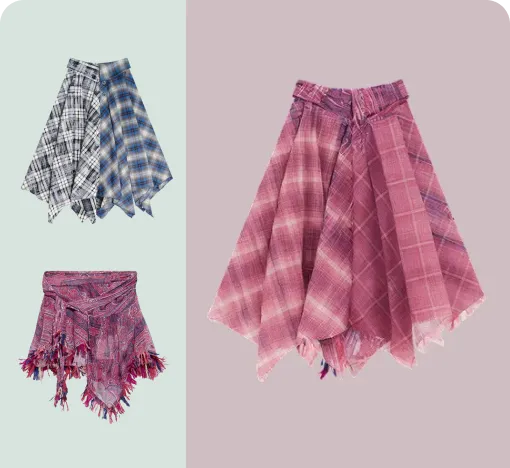
Style Fusion
Blend design elements from references to create fresh garment options.
Garment Refine
Edit specific garment areas, structures, and details without starting over.
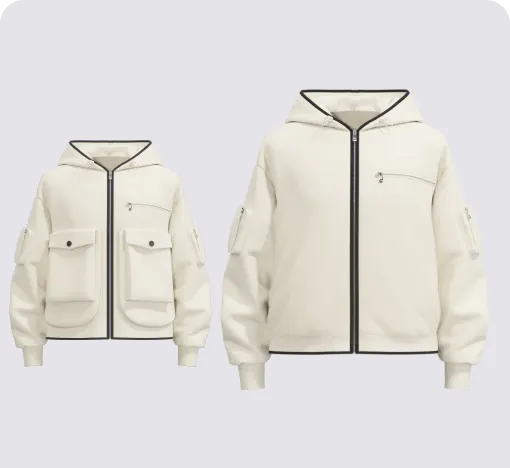
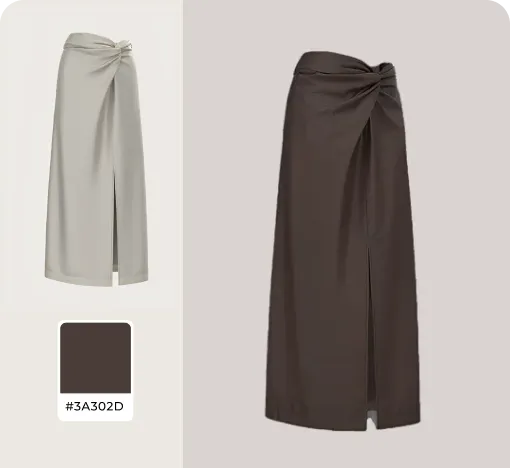
Change Colors
Swap fabric colors and preview multiple colorways on the garment.
AI Print Generator
Generate print patterns in a similar style from a reference image.
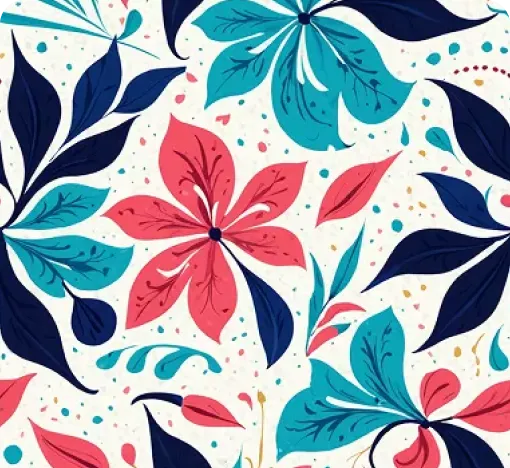
Graphic Colorways
Create dedicated colorway options for any print or graphic.
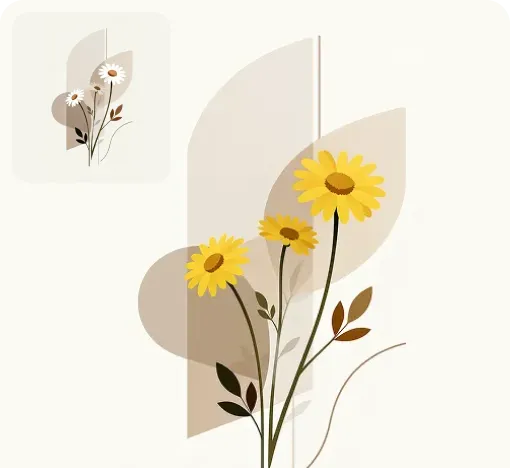
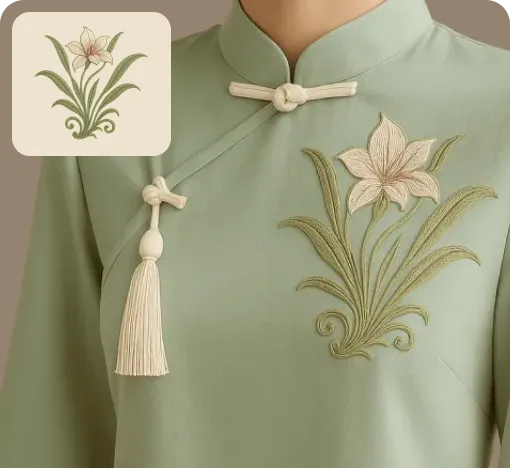
Apply Print To Garment
Place prints on garments and preview realistic worn results.
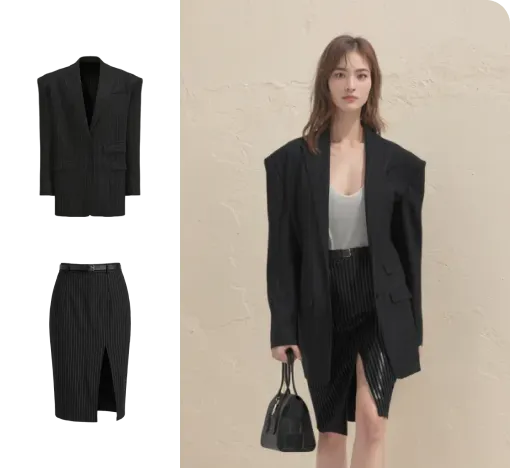
Virtual Garment Try-On
Put garments on models to create realistic try-on images.
Change Model & BG
Change the model and scene to create varied campaign images.
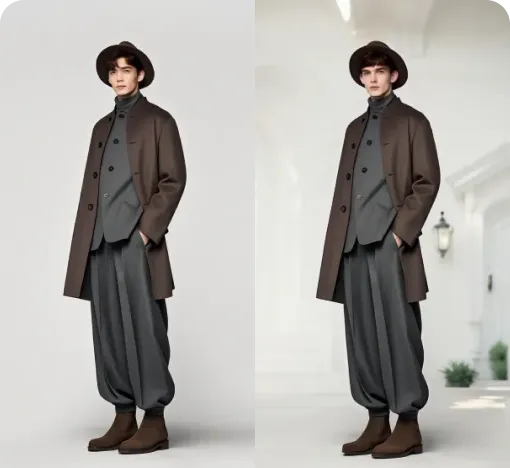
Image To Video
Turn static fashion images into short product display videos.