


AI Clothing Design Generator from Image
How To Create: Step-By-Step Guide
Upload a garment or fashion reference image and use Style3D AI to generate new clothing categories, style variations, or similar apparel designs online.
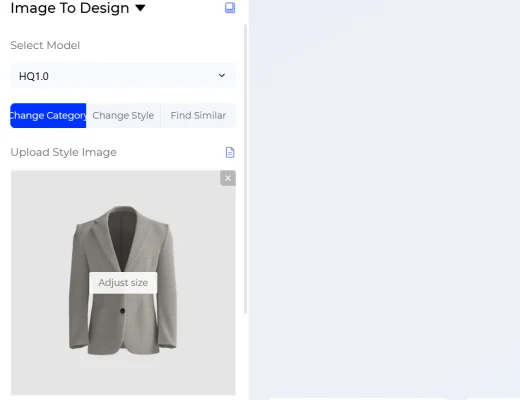
Upload Your Image
Upload a garment photo, product image, fashion reference, or design inspiration image. For best results, use a clear image where the clothing shape, fabric, and design details are easy to recognize.
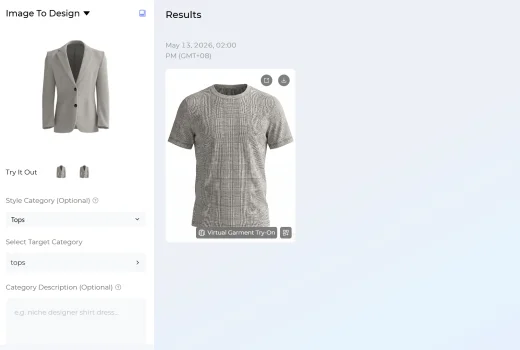
Choose Your Generation Settings
Select one of three AI design modes based on your goal.
You can also add a Style Description to guide the result with extra details.
- Change Category lets you turn the reference into another clothing category, such as tops, bottoms, dresses, etc.
- Change Style helps you redesign the uploaded image with a new fashion style, mood, silhouette, or visual direction.
- Find Similar generates similar clothing designs inspired by the uploaded image.
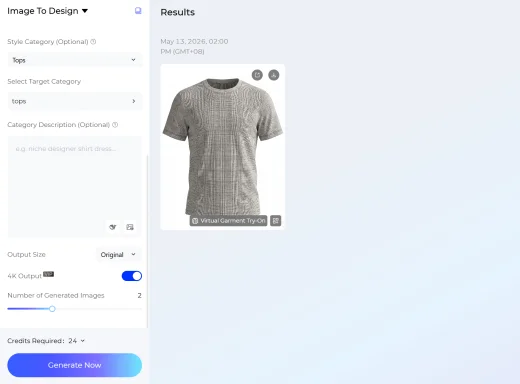
Generate Your Fashion Image
Choose the output size that fits your use case, then select how many images you want to generate. You can create up to four AI fashion design images at once to compare different directions.
Click Generate Now and Style3D AI will create new fashion design visuals based on your uploaded image, selected mode, and style description.
Use Cases: Who It's For
Image to Design helps fashion designers, apparel brands, and ecommerce teams turn reference images into AI-generated clothing design ideas faster.
For Fashion Designers
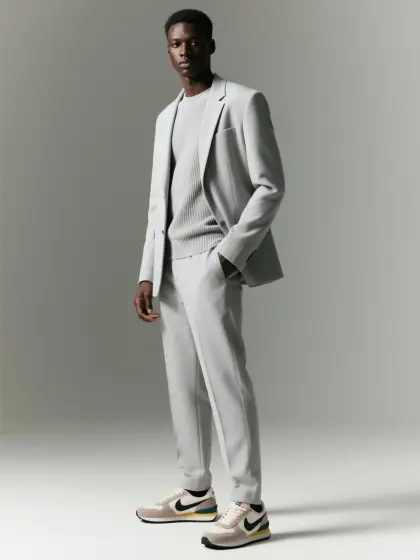
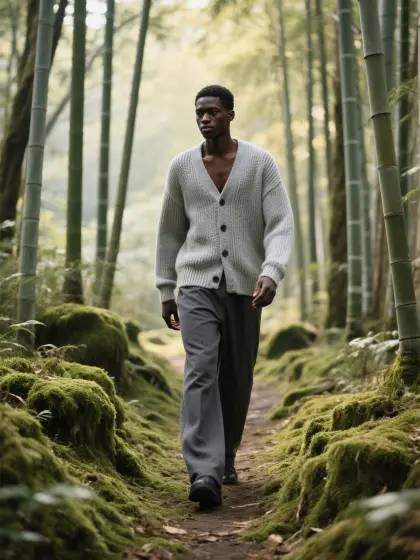
Use an existing garment image, runway reference, vintage piece, or mood board visual as a starting point for new design exploration. Designers can change the category, adjust the style, or generate similar fashion concepts without rebuilding the idea from scratch.
For Ecommerce Sellers and Fashion Creators
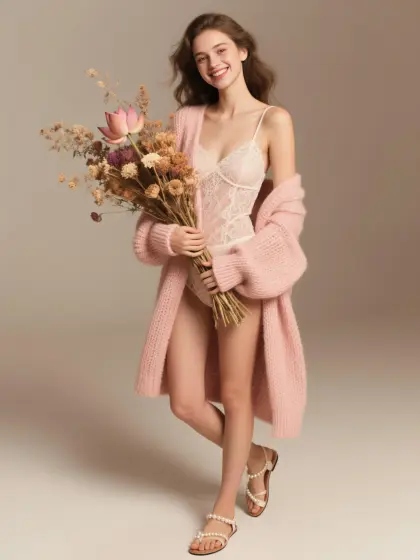
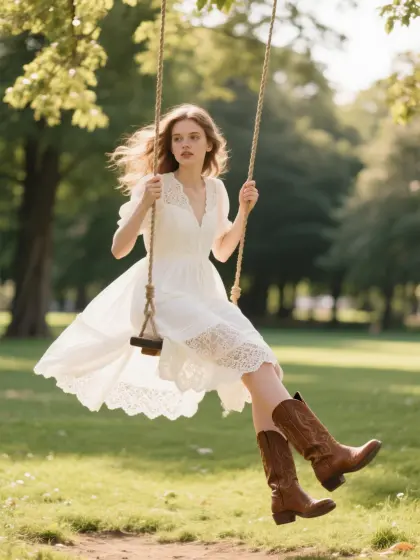
Generate fresh apparel ideas from product photos or reference images. Sellers and creators can test similar styles, explore new categories, and produce visual inspiration for online stores, social content, and campaign planning.
For Apparel Brands and Product Teams
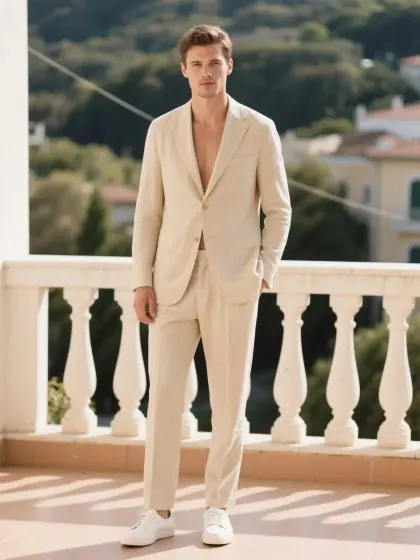
Create new design directions from existing product images, trend references, or seasonal inspiration. Image to Design is useful for category extension, collection planning, merchandising reviews, and early-stage product development.
Social Proof & Reviews
Trusted by Global Fashion Designers and Brands
Share Your Feedback

ngl this literally saved me during finals , i uploaded one dress reference and got a bunch of actually usable variations in like minutes. Sooo much easier than having to redraw everything from scratch!!

I usually spend hrs trying to come up w new design directions, but this image-to-image thing kept giving me ideas i prob wouldn't have come up w on my own. honestly feels more like bouncing ideas off a creative assistant than using some random AI tool.
we ran a few old archive pieces through it just to test things out and it came back with a bunch of variations that actually felt usable for our next drop. What surprised me most was that it kept the original vibe of the designs instead of turning everything into generic AI-looking stuff. honestly pretty impressed.
Frequently Asked Questions
Explore More Tools
More AI-Powered Tools for Your Fashion Workflow
Text To Design
Turn a written idea into quick apparel concept images.
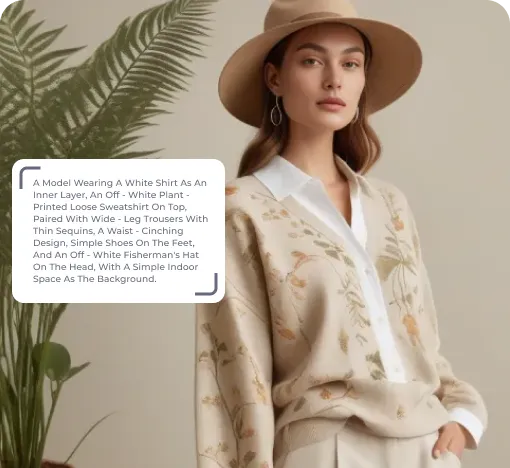
Sketch To Design
Convert hand-drawn sketches into realistic garment images.
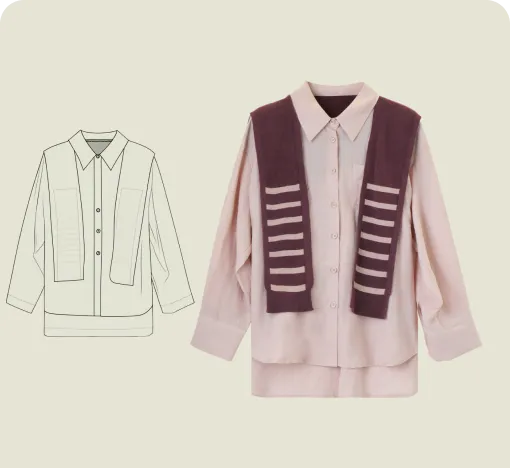
Extract Technical Drawing
Turn garment images into clean line art and editable vector drawings.
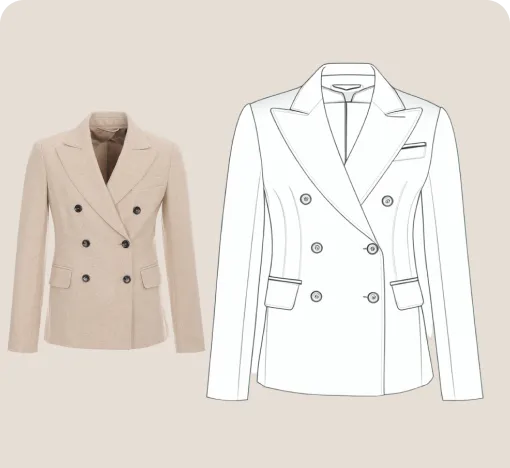
Style Fusion
Blend design elements from references to create fresh garment options.
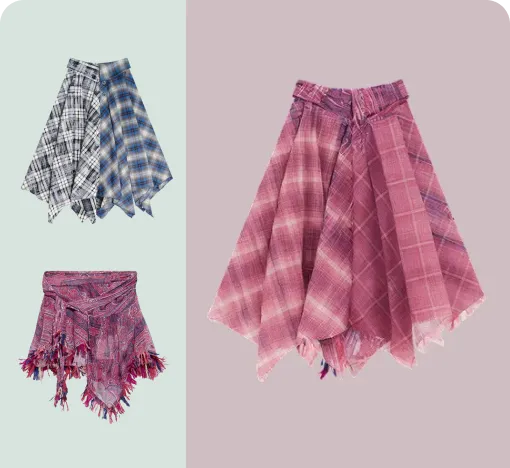
Garment Refine
Edit specific garment areas, structures, and details without starting over.
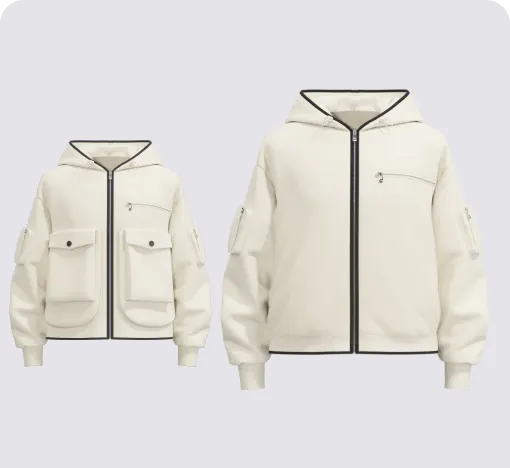
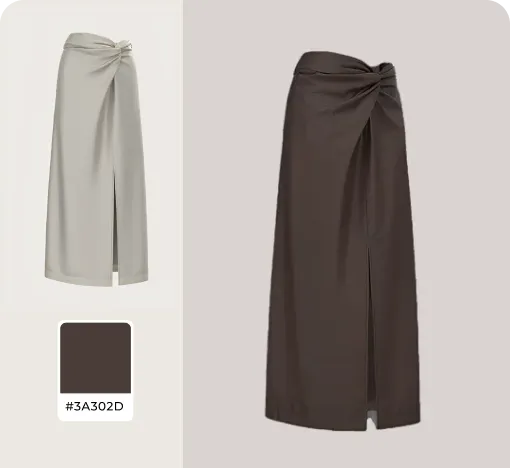
Change Colors
Swap fabric colors and preview multiple colorways on the garment.
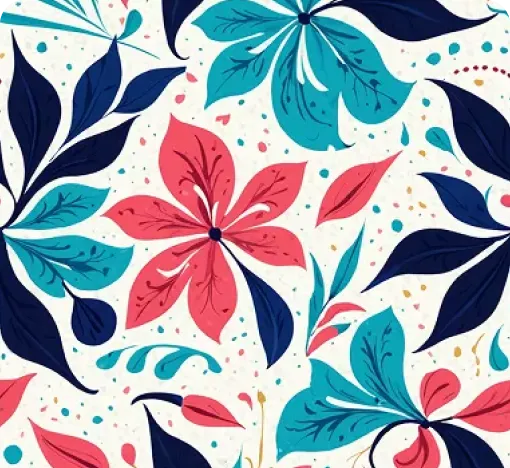
AI Print Generator
Generate print patterns in a similar style from a reference image.
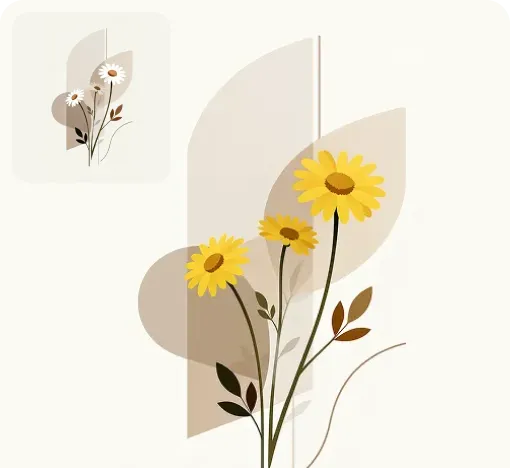
Graphic Colorways
Create dedicated colorway options for any print or graphic.
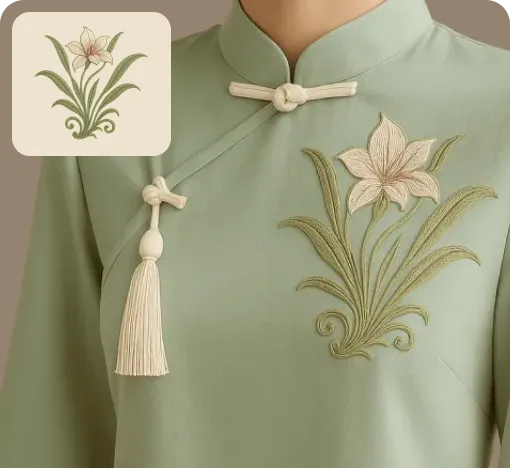
Apply Print To Garment
Place prints on garments and preview realistic worn results.
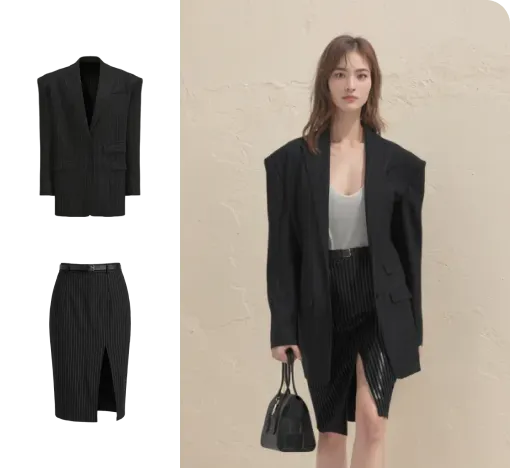
Virtual Garment Try-On
Put garments on models to create realistic try-on images.
Change Model & BG
Change the model and scene to create varied campaign images.
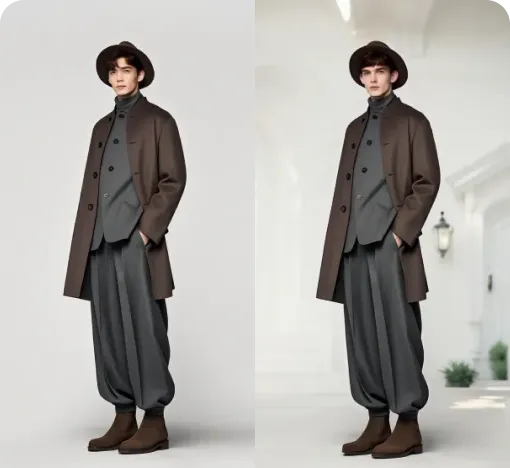
Image To Video
Turn static fashion images into short product display videos.