


AI Pose Changer for Fashion Photos
How To Create: Step-By-Step Guide
Use Style3D AI pose changer to adjust model poses in fashion photos and generate new model-worn clothing visuals without reshooting.
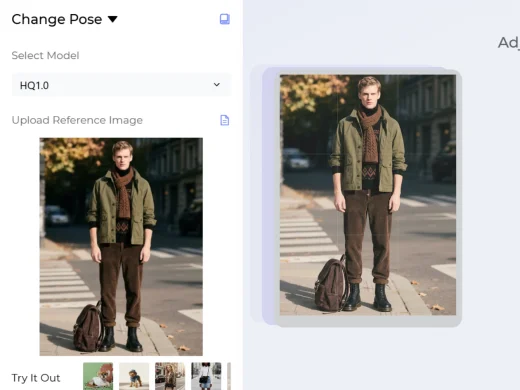
Upload Model Image
Upload the original model photo you want to edit. The image can be a fashion product photo, model-worn ecommerce image, lookbook visual, or campaign asset where you want to create new pose variations.
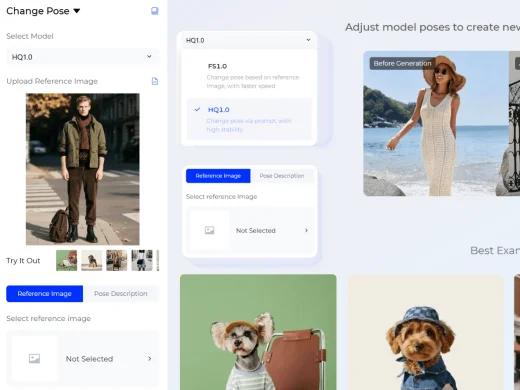
Choose Your Generation Settings
Select the AI pose generation model that fits your workflow. FS1.0 changes the pose based on a reference image and generates results faster. You can choose a pose reference from the official Style3D reference library or upload your own reference image.
HQ1.0 changes the pose with text prompts and offers more stable results for described pose directions.
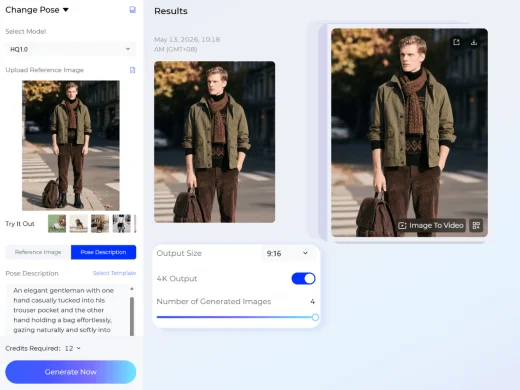
Generate Your Fashion Image
Generate up to four AI pose images at once. Export the new model pose variations for ecommerce product pages, lookbooks, social media, campaign testing, or creative review.
Use Cases: Who It's For
Style3D AI pose changer helps ecommerce sellers, fashion brands, and creators turn one model photo into multiple pose variations for product and campaign visuals.
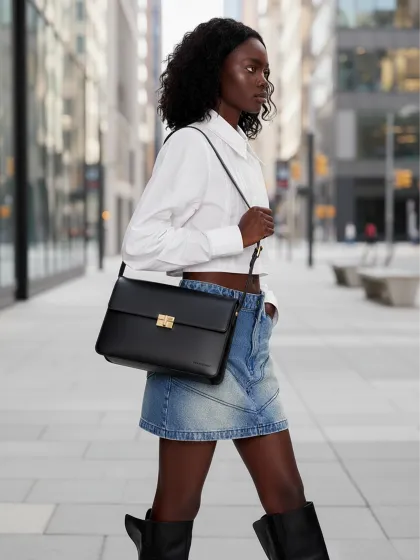
For Ecommerce Sellers and Marketplace Teams
Create additional model pose images for Amazon, Shopify, Lazada, TikTok Shop, and independent stores. Sellers can turn one product-on-model photo into multiple visual angles and styling options without arranging a new shoot.
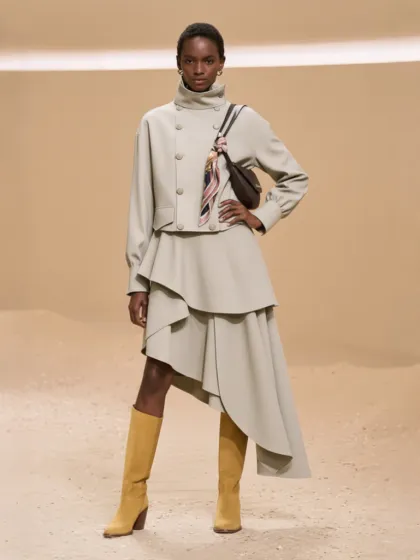
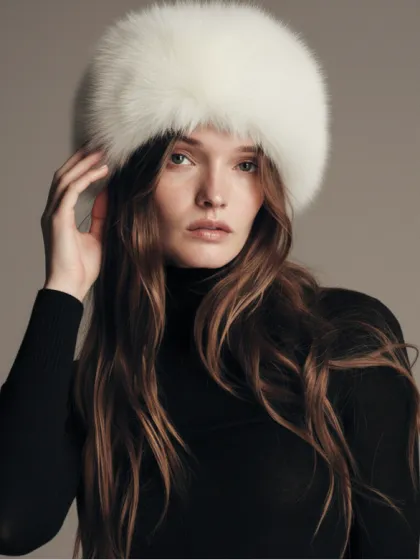
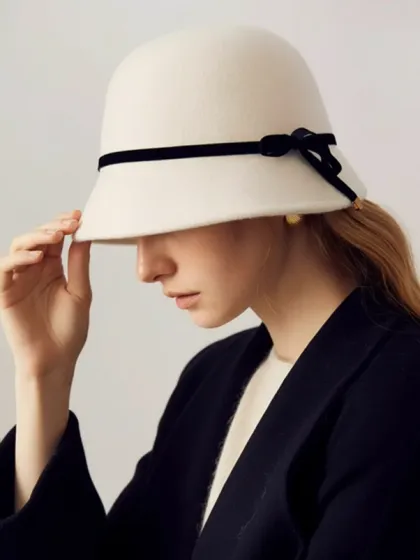
For Fashion Brands and Product Teams
Generate pose variations for line reviews, product storytelling, lookbooks, and campaign planning. Brands can test how the same garment looks in different model poses while keeping the product presentation consistent.
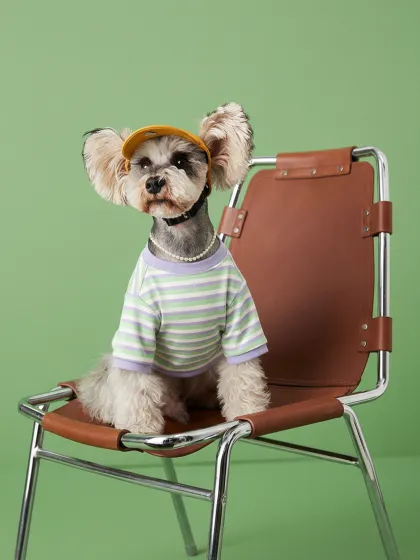
For Marketing Teams and Fashion Creators
Create fresh social posts, ad creatives, editorial visuals, and styling content from existing model photos. AI pose changing helps teams expand one image into multiple content-ready fashion visuals.
Social Proof & Reviews
Trusted by Global Fashion Designers and Brands
Share Your Feedback


i used to spend forever picking 'the right pose' from shoots and still not be happy with half of them, now i just adjust the pose afterward and move on. honestly feels like getting extra content without paying for another shoot day.
This crazy part is how much this helps with creative direction. Tiny pose changes completely shift the vibe of a campaign, and now we can test ideas in minutes instead of re-planning shoots. Wayyy more flexible than i expected!
This lowkey saved one of my launches. we had amazing outfit shots but the poses felt super stiff for socials. changed a few poses with prompts and suddenly everything felt way more natural scroll-stopping.
Frequently Asked Questions
Explore More Tools
More AI-Powered Tools for Your Fashion Workflow
Model Variations
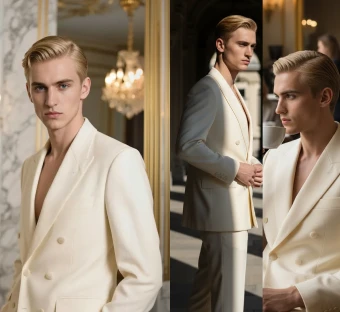
Generate a set of related campaign images from one hero image.
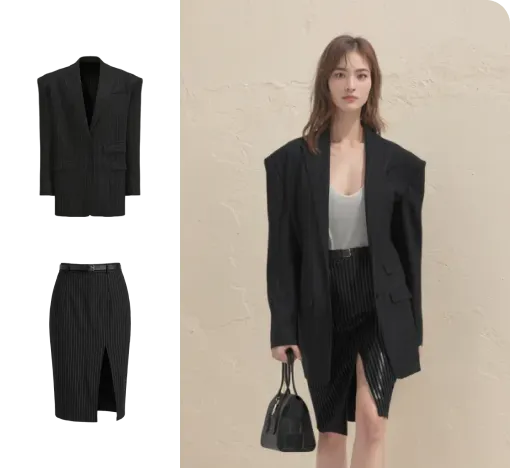
Virtual Garment Try-On
Put garments on models to create realistic try-on images.
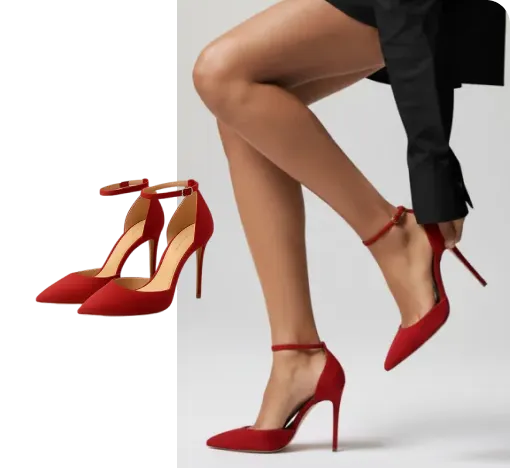
Virtual Shoe Try-On
Place shoes on a model's feet for realistic try-on images.
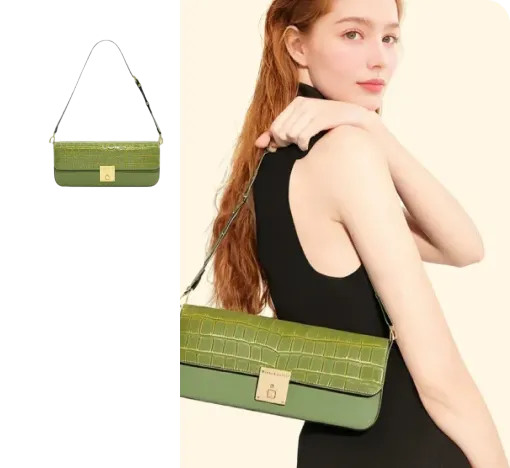
Virtual Bag Try-On
Style bags on models to create product-ready outfit images.
Generate Views
Adjust the model's angle and generate multiple views instantly.
Text To Design
Turn a written idea into quick apparel concept images.
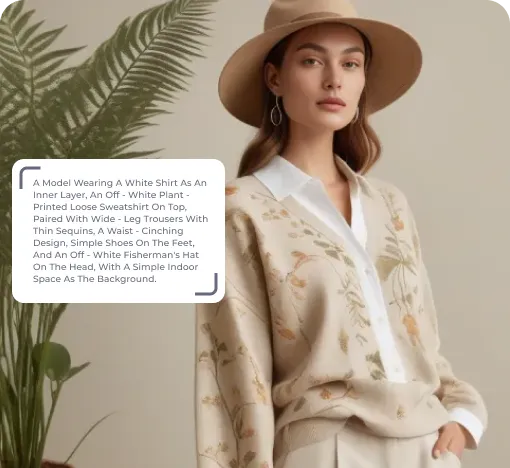
Image To Design
Create new style options from an existing garment image.
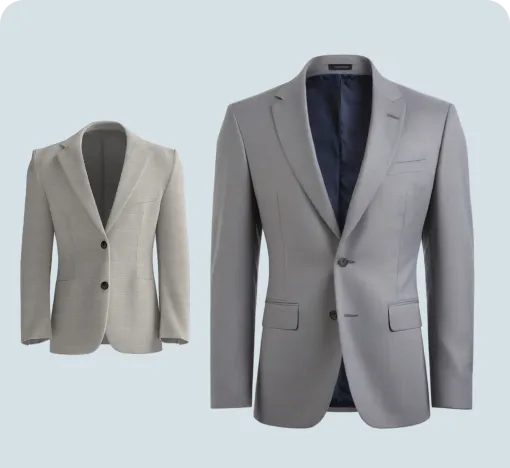
Fabric Try-On
Apply fabric swatches to garments and preview the wearing effect.
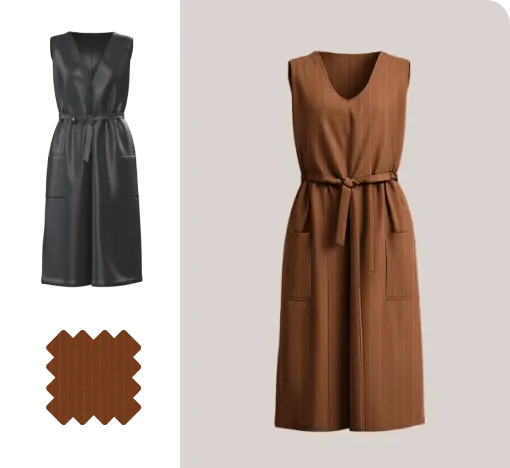
Apply Print To Garment
Place prints on garments and preview realistic worn results.
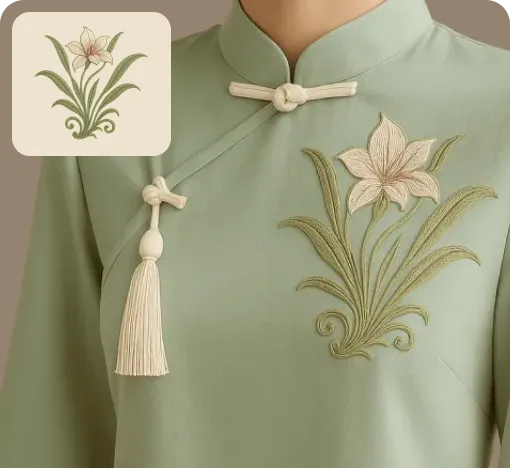
Graphic Extractor
Detect and extract complete patterns from product or reference images.
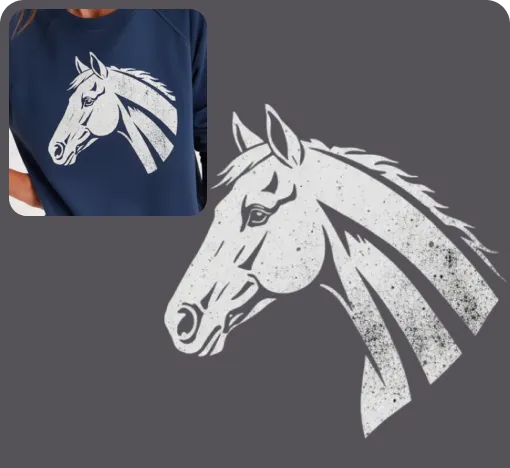
Image To Video
Turn static fashion images into short product display videos.
Reference To Video
Create smoother model videos with more stable motion and stronger details.